> ## Documentation Index
> Fetch the complete documentation index at: https://langwatch.ai/docs/llms.txt
> Use this file to discover all available pages before exploring further.
# Experiments Overview
> Run batch tests on your LLM applications to measure quality, compare configurations, and catch regressions before production.
**Let your agent set this up.** [Copy the evaluations prompt](/docs/skills/code-prompts#set-up-evaluations) into your coding agent to get started automatically.
Experiments let you systematically test your LLM applications before deploying to production. Run your prompts, models, or agents against datasets and measure quality with evaluators.
## What is an Experiment?
An experiment consists of three components:
1. **Dataset** - A collection of test cases with inputs (and optionally expected outputs)
2. **Target** - What you're testing: a prompt, model, API endpoint, or custom code
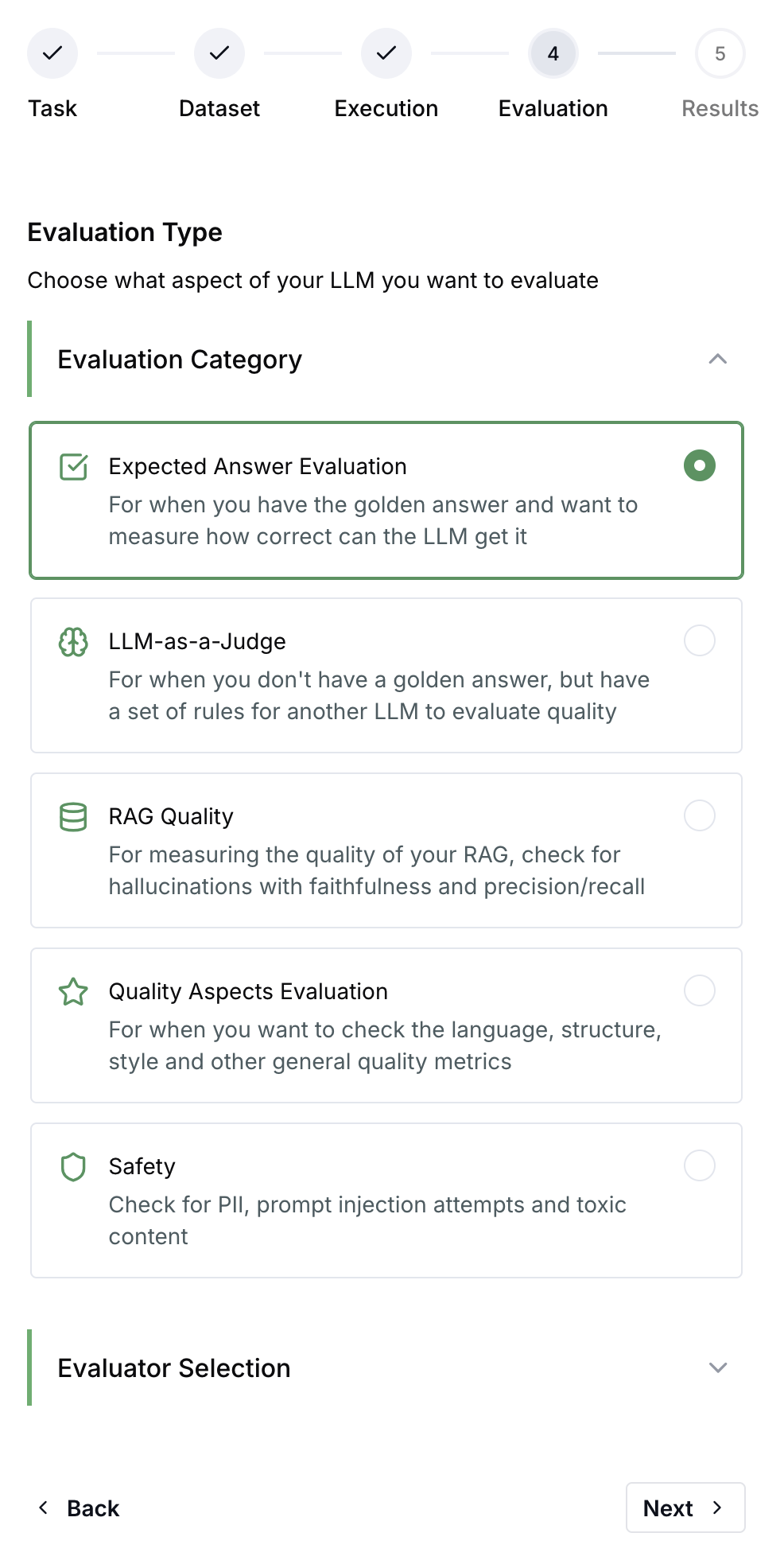
3. **Evaluators** - Scoring functions that assess output quality
When you run an experiment, LangWatch executes your target on each dataset row and scores the results with your selected evaluators.
## When to Use Experiments
* **Before deploying** - Validate prompt changes don't regress quality
* **Comparing options** - Test different models, prompts, or configurations side-by-side
* **CI/CD gates** - Automatically block deployments that fail quality thresholds
* **Benchmarking** - Track quality metrics over time across experiment runs
## Getting Started
Choose your preferred approach:
## Quick Example
```python theme={null}
import langwatch
# Load your dataset
df = langwatch.dataset.get_dataset("my-dataset").to_pandas()
# Initialize experiment
evaluation = langwatch.experiment.init("prompt-v2-test")
# Run through dataset
for idx, row in evaluation.loop(df.iterrows()):
# Execute your LLM
response = my_llm(row["input"])
# Run evaluators
evaluation.evaluate(
"ragas/faithfulness",
index=idx,
data={
"input": row["input"],
"output": response,
"contexts": row["contexts"],
},
)
```
```typescript theme={null}
import { LangWatch } from "langwatch";
const langwatch = new LangWatch();
// Load dataset
const dataset = await langwatch.datasets.get("my-dataset");
// Initialize experiment
const evaluation = await langwatch.experiments.init("prompt-v2-test");
// Run through dataset
await evaluation.run(
dataset.entries.map(e => e.entry),
async ({ item, index }) => {
// Execute your LLM
const response = await myLLM(item.input);
// Run evaluators
await evaluation.evaluate("ragas/faithfulness", {
index,
data: {
input: item.input,
output: response,
contexts: item.contexts,
},
});
},
{ concurrency: 4 }
);
```
## Experiment Results
After running an experiment, you can:
* **Compare runs** - See how different configurations perform side-by-side
* **Drill into failures** - Inspect individual test cases that scored poorly
* **Track trends** - Monitor quality metrics across experiment runs over time
* **Export data** - Download results for further analysis
 ## CI/CD Integration
Run experiments automatically in your deployment pipeline:
```yaml theme={null}
# GitHub Actions example
- name: Run quality experiments
run: |
python -c "
import langwatch
result = langwatch.experiment.run('my-experiment')
result.print_summary()
"
env:
LANGWATCH_API_KEY: ${{ secrets.LANGWATCH_API_KEY }}
```
Learn more about [CI/CD integration](/docs/evaluations/experiments/ci-cd).
## Next Steps
## CI/CD Integration
Run experiments automatically in your deployment pipeline:
```yaml theme={null}
# GitHub Actions example
- name: Run quality experiments
run: |
python -c "
import langwatch
result = langwatch.experiment.run('my-experiment')
result.print_summary()
"
env:
LANGWATCH_API_KEY: ${{ secrets.LANGWATCH_API_KEY }}
```
Learn more about [CI/CD integration](/docs/evaluations/experiments/ci-cd).
## Next Steps