> ## Documentation Index
> Fetch the complete documentation index at: https://langwatch.ai/docs/llms.txt
> Use this file to discover all available pages before exploring further.
# Langflow Integration
> Integrate Langflow with LangWatch to capture node execution, prompt behavior, and evaluation metrics for AI agent testing.
[Langflow](https://www.langflow.org/) is a low-code tool for building LLM pipelines. If you are using Langflow, you can easily enable LangWatch from their UI for analytics, evaluations and much more.
## Setup
[Create your LangWatch account](https://app.langwatch.ai/) and project to obtain your API Key from the dashboard
Add the following key to Langflow .env file:
```bash theme={null}
LANGWATCH_API_KEY="your-api-key"
```
Or export in in your terminal:
```bash theme={null}
export LANGWATCH_API_KEY="your-api-key"
```
Restart Langflow using `langflow run --env-file .env`
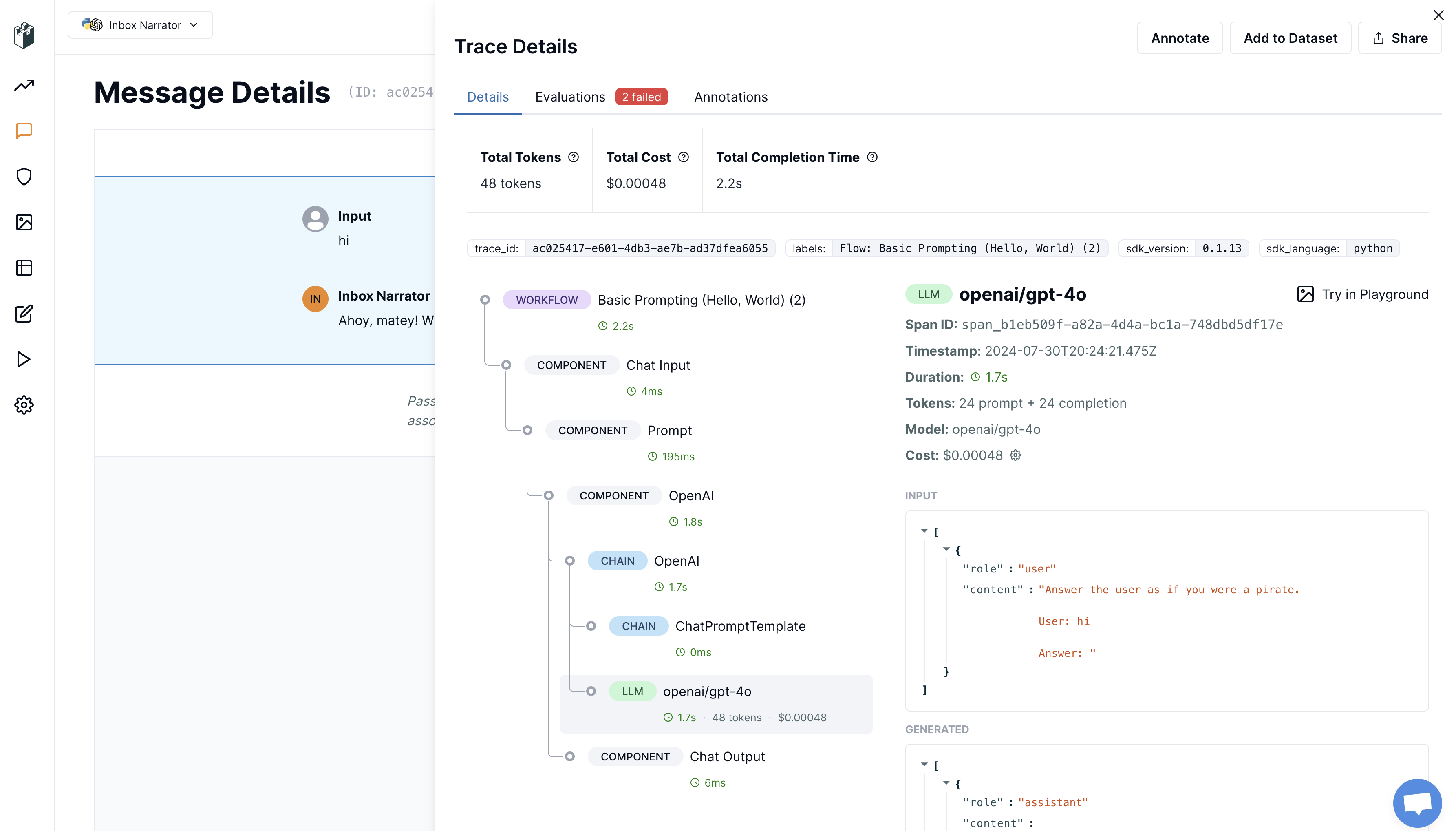
Run a message through your Langflow project and check the LangWatch dashboard for monitoring and observability.
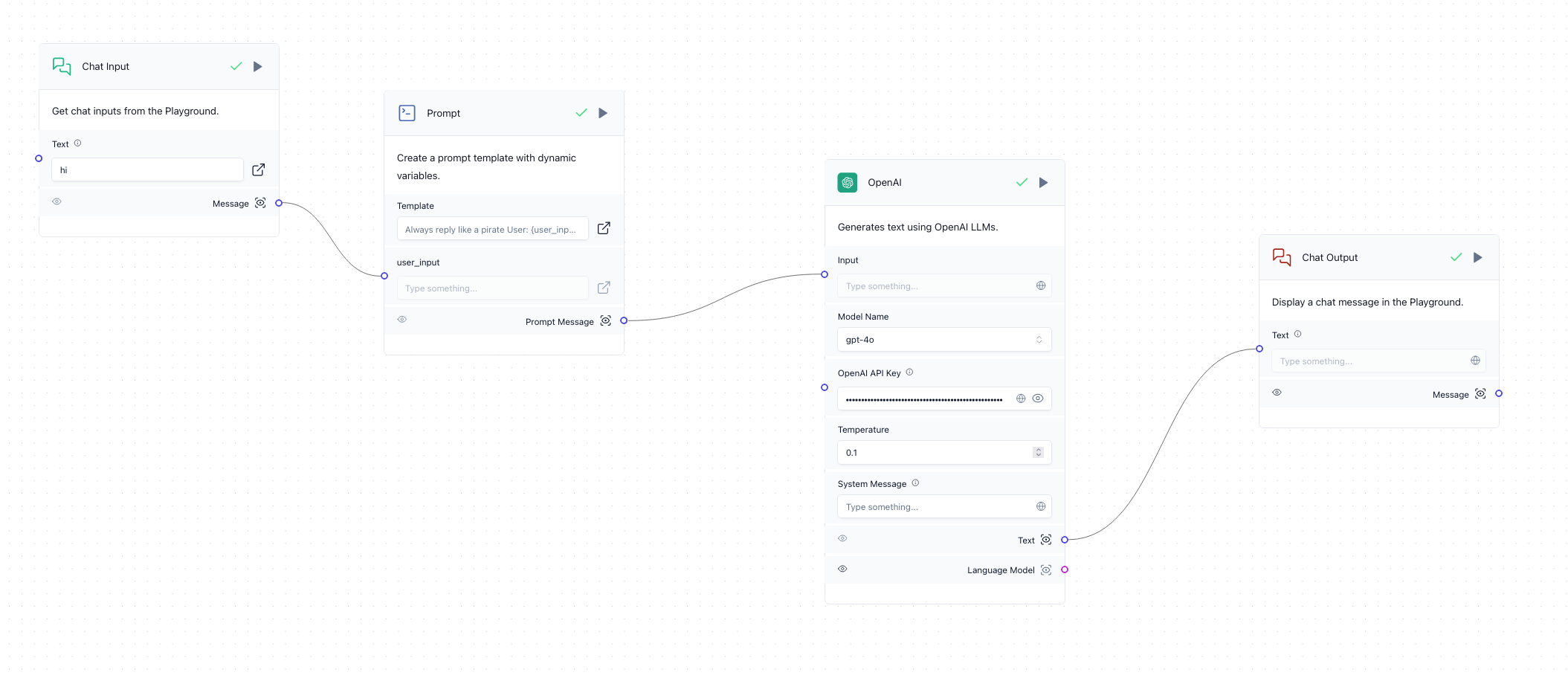 That's it! You should now see your Langflow component traces on the LangWatch dashboard.
 ## Defining custom input and output
You can customize what LangWatch captures as the final input and output of your Langflow component for better observability.
To do this, you can add this two lines of code in the execution function of any Langflow component:
```python theme={null}
import langwatch
langwatch.get_current_trace().update(input="The user input", output="My bot output")
```
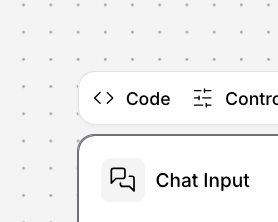
You can do this by first clicking on the `<> Code` button in any appropriate component:
## Defining custom input and output
You can customize what LangWatch captures as the final input and output of your Langflow component for better observability.
To do this, you can add this two lines of code in the execution function of any Langflow component:
```python theme={null}
import langwatch
langwatch.get_current_trace().update(input="The user input", output="My bot output")
```
You can do this by first clicking on the `<> Code` button in any appropriate component:
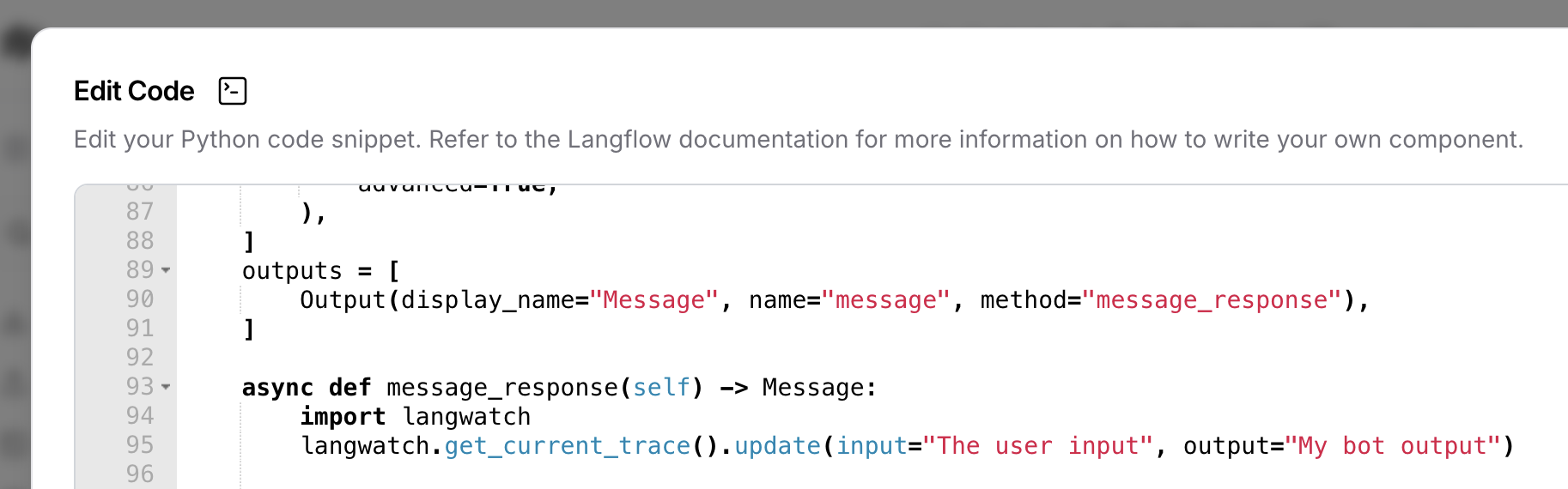
 Then scroll down to find the `def` responsible for execution of that component and paste the code above, mapping the variables as needed for your case:
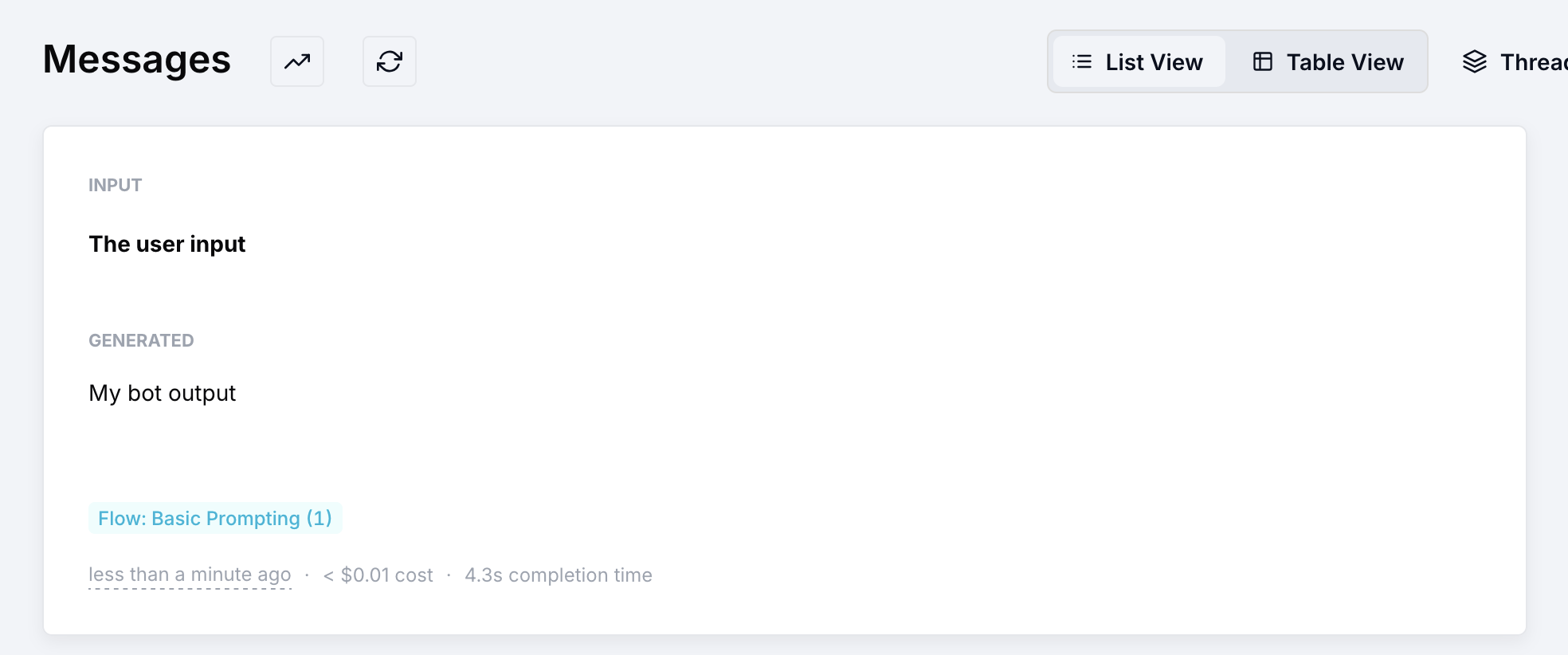
 The message on LangWatch will render as you defined:
 ## Capturing additional metadata
You can also capture additional metadata from your Langflow component. This can be useful for capturing information about the user, the conversation, or any specific information from your system.
Just like for the input and output, you can capture metadata by updating the trace, two very useful cases to capture for example are the user\_id and trace\_id that groups messages from the same conversation,
but you can also capture any other information that you want to track.
```python theme={null}
import langwatch
langwatch.get_current_trace().update(
metadata={
"user_id": self.sender_name,
"thread_id": self.session_id,
# any other metadata you want
}
)
```
***
For more information, check out [Langflow docs](https://docs.langflow.org/).
## Capturing additional metadata
You can also capture additional metadata from your Langflow component. This can be useful for capturing information about the user, the conversation, or any specific information from your system.
Just like for the input and output, you can capture metadata by updating the trace, two very useful cases to capture for example are the user\_id and trace\_id that groups messages from the same conversation,
but you can also capture any other information that you want to track.
```python theme={null}
import langwatch
langwatch.get_current_trace().update(
metadata={
"user_id": self.sender_name,
"thread_id": self.session_id,
# any other metadata you want
}
)
```
***
For more information, check out [Langflow docs](https://docs.langflow.org/).