> ## Documentation Index
> Fetch the complete documentation index at: https://langwatch.ai/docs/llms.txt
> Use this file to discover all available pages before exploring further.
# Capturing Audio and Voice
> LangWatch captures the audio your Python application sends to a model and plays it back on the trace.
Send the audio the way your model provider expects and keep the call inside a trace. There is no upload step and no extra API call: LangWatch reads the recording out of the messages at ingestion, stores it, and leaves a reference in its place.
## Send the audio with the model call
Both examples below call `langwatch.setup()`. The OpenAI one runs inside a `@langwatch.trace()` entry point; the Google ADK one lets the instrumentor make the trace. Read [Integration Guide](/docs/integration/python/guide) first if you have not set that up yet.
### OpenAI
Put the recording in an `input_audio` part, as raw base64 with a format.
```python theme={null}
import base64
import langwatch
from openai import OpenAI
langwatch.setup()
@langwatch.trace(name="transcribe call")
def transcribe(prompt: str, path: str) -> str:
client = OpenAI()
langwatch.get_current_trace().autotrack_openai_calls(client)
encoded = base64.b64encode(open(path, "rb").read()).decode("utf-8")
completion = client.chat.completions.create(
model="gpt-audio-mini",
messages=[
{
"role": "user",
"content": [
{"type": "text", "text": prompt},
{
"type": "input_audio",
"input_audio": {"data": encoded, "format": "wav"},
},
],
}
],
)
return completion.choices[0].message.content or ""
transcribe("What does the caller ask for?", "call.wav")
```
### Google Gemini and Vertex
Put the recording in an inline data part with an audio media type. The rest of the agent setup does not change.
```python theme={null}
import asyncio
import langwatch
from google.adk import Agent, Runner
from google.adk.sessions import InMemorySessionService
from google.genai import types
from openinference.instrumentation.google_adk import GoogleADKInstrumentor
langwatch.setup(instrumentors=[GoogleADKInstrumentor()])
APP_NAME = "call-reader"
USER_ID = "caller-1"
SESSION_ID = "session-1"
def transcribe(prompt: str, path: str) -> str:
agent = Agent(
name="call_agent",
model="gemini-2.5-flash",
instruction="Answer the user's question about the attached recording directly.",
)
session_service = InMemorySessionService()
asyncio.run(
session_service.create_session(
app_name=APP_NAME, user_id=USER_ID, session_id=SESSION_ID
)
)
runner = Runner(agent=agent, app_name=APP_NAME, session_service=session_service)
message = types.Content(
role="user",
parts=[
types.Part(text=prompt),
types.Part.from_bytes(
data=open(path, "rb").read(), mime_type="audio/wav"
),
],
)
for event in runner.run(
user_id=USER_ID, session_id=SESSION_ID, new_message=message
):
if event.is_final_response():
return event.content.parts[0].text
return ""
transcribe("What does the caller ask for?", "call.wav")
```
The instrumentor makes the trace for this call, so no `@langwatch.trace()`
wrapper is needed. If you add one to attach metadata, switch the run to
`Runner.run_async`: the synchronous `Runner.run` starts its own thread, which
begins with an empty OpenTelemetry context, and the agent spans open a second
trace. See the [Google ADK integration](/docs/integration/python/integrations/google-ai).
## Audio shapes LangWatch understands
Send any of these and the recording is captured.
| Source | Shape |
| ------------------------ | ---------------------------------------------------------------------------------------- |
| OpenAI | `{"type": "input_audio", "input_audio": {"data": "", "format": "wav"}}` |
| OpenAI | `{"type": "file", "file": {"filename": "call.wav", "file_data": ""}}` |
| Google Gemini and Vertex | `{"inline_data": {"mime_type": "audio/wav", "data": "..."}}` |
| AG-UI | `{"type": "audio", "source": {"type": "data", "value": "...", "mimeType": "audio/wav"}}` |
An OpenAI Realtime session sends its turns in the same `input_audio` shape.
The `format` field accepts `wav`, `mp3`, `flac`, `ogg` and `webm`. A raw format such as `pcm16` is accepted too, see the next section.
When a message holds both a recording and text, LangWatch treats the text as the transcript of that recording and shows the two together.
## What happens to the bytes
LangWatch moves the recording out of the span at ingestion. The bytes go into content-addressed object storage and the message part becomes a `/api/files//` reference, around 60 characters where the base64 was.
Storage is addressed by SHA-256, so identical bytes are stored once. For example, a recording captured by a simulation and by the trace of the same call is one stored object, not two.
Raw, header-less audio does not play in a browser on its own. LangWatch wraps `pcm16` and G.711 payloads into a WAV container when it stores them, so the reference plays everywhere without a conversion step of your own.
## Where the audio appears
Open the trace and the Summary tab shows a player under the input. The Conversation tab shows a player in the message it belongs to, next to the transcript. A turn that recorded no transcript still shows its player. The Trace tab shows the full message payload.
## Testing voice agents
You see what happened on a call once it has run. To drive a call on purpose and score it, use Scenario: it synthesizes a caller, speaks to your agent over its real transport, and scores the conversation with `scenario.run()`.
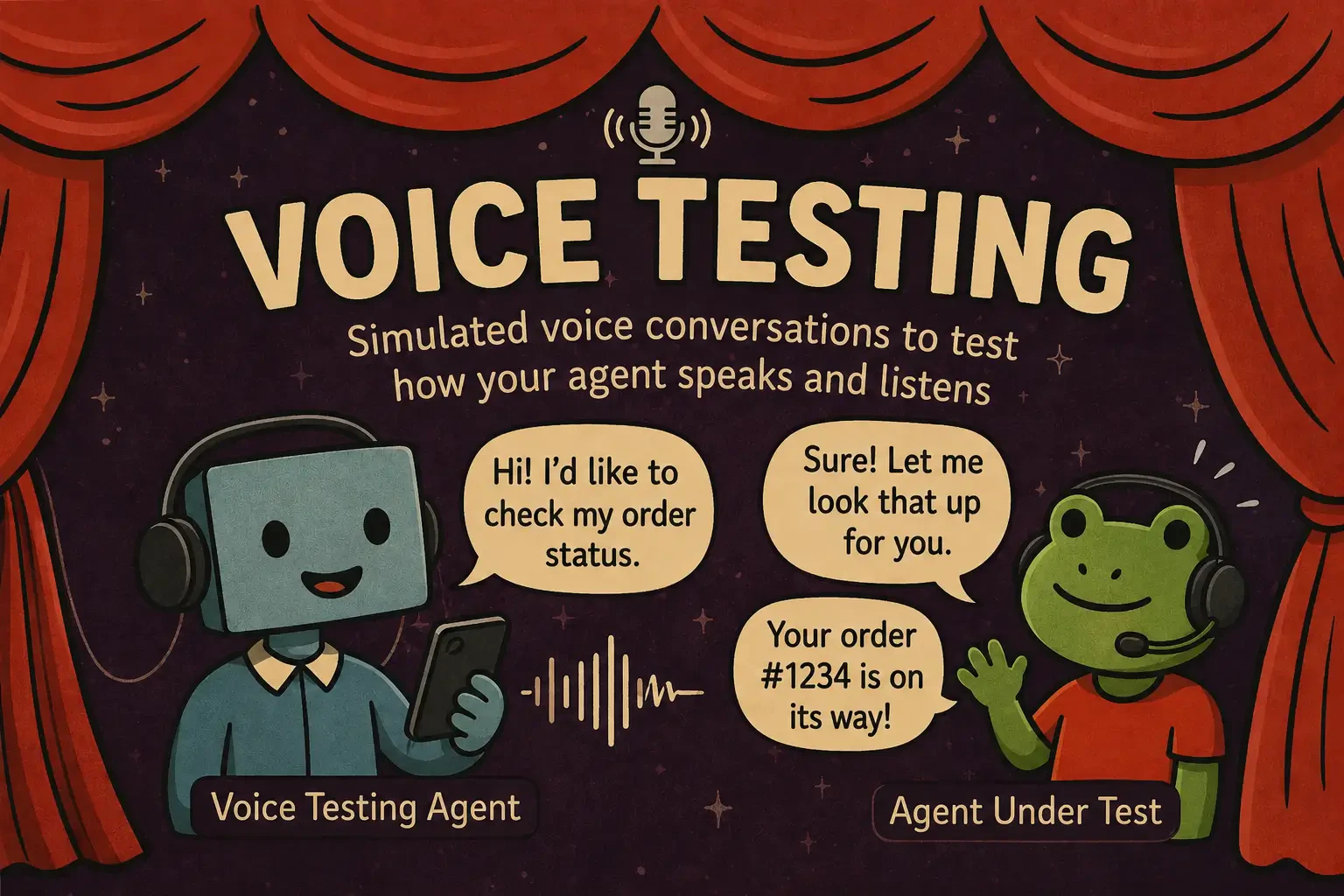 Scenario has adapters for Pipecat, Twilio, ElevenLabs, OpenAI Realtime and Gemini Live, and it can add background noise, phone-quality degradation and interruptions. See [Voice Agent Testing](/docs/agent-simulations/voice-agents) for the setup.
## Related
* [Capturing Images](/docs/integration/python/tutorials/capturing-images), for pictures and screenshots
* [Capturing Documents](/docs/integration/python/tutorials/capturing-documents), for PDF files and other attachments
* [Voice Agent Testing](/docs/agent-simulations/voice-agents), to run and score real-audio calls
Scenario has adapters for Pipecat, Twilio, ElevenLabs, OpenAI Realtime and Gemini Live, and it can add background noise, phone-quality degradation and interruptions. See [Voice Agent Testing](/docs/agent-simulations/voice-agents) for the setup.
## Related
* [Capturing Images](/docs/integration/python/tutorials/capturing-images), for pictures and screenshots
* [Capturing Documents](/docs/integration/python/tutorials/capturing-documents), for PDF files and other attachments
* [Voice Agent Testing](/docs/agent-simulations/voice-agents), to run and score real-audio calls