
Introducing: Testing voice agents like you test your chat agents
Test voice agents the way you test text agents - simulated callers, traces, playback, and judge-based evaluation - now against real voice, across the stacks teams actually ship on.
 Manouk Draisma · · Voice AI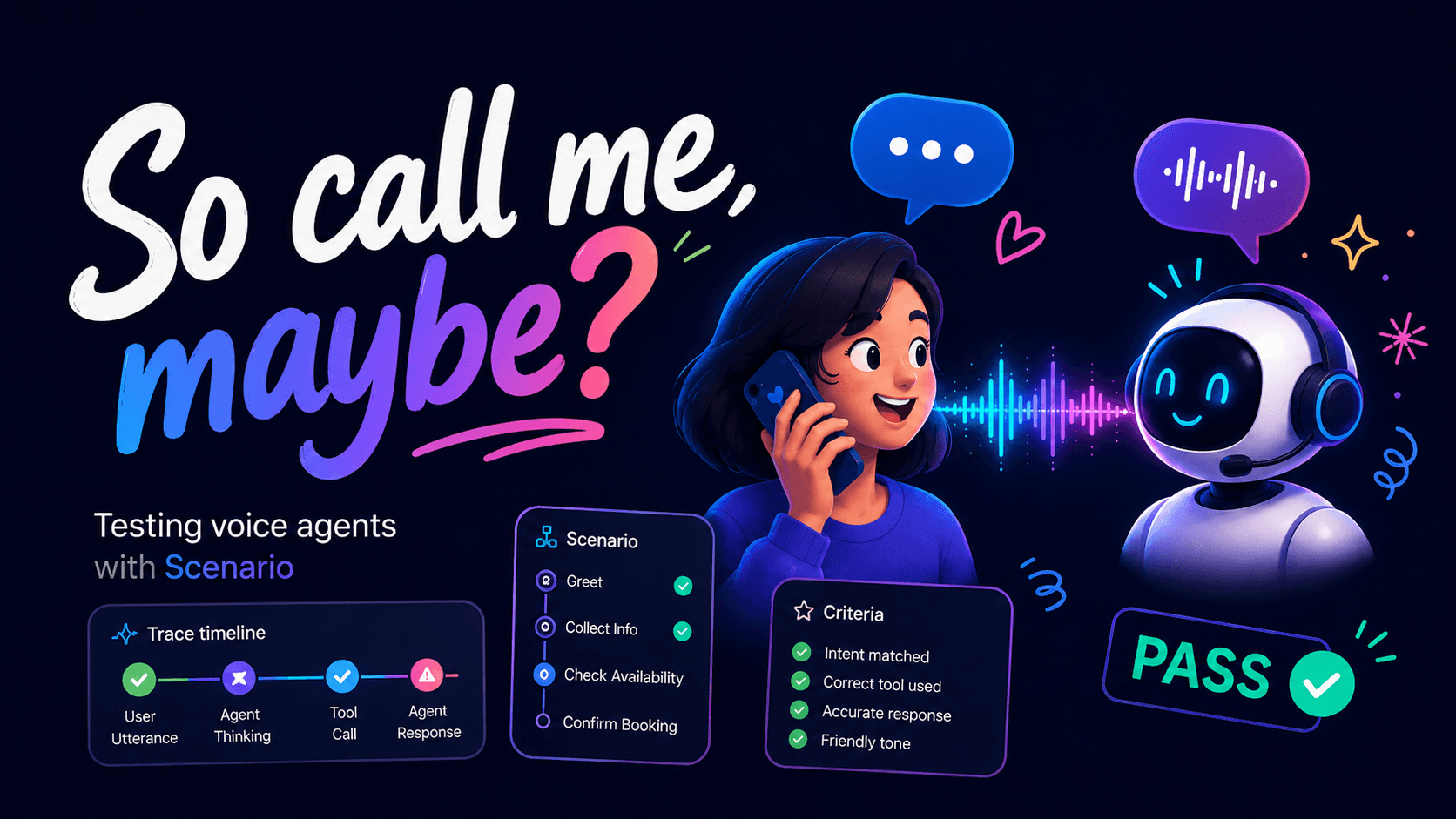
Test voice agents the way you test text agents - simulated callers, traces, playback, and judge-based evaluation - now against real voice, across the stacks teams actually ship on.
⚡ TL;DR - Scenario now has native support for testing voice agents across the stacks teams are actually using.
Voice agents aren't a separate kind of agent. They're agents with more failure modes: timing, interruptions, turn-taking, audio handling, phone-call behavior, and provider-specific quirks. The same reasons you should test text agents still apply. They just matter more.
With Scenario, you can do spec-driven or TDD-style voice-agent development: define the scenario, run the agent, judge the behavior, inspect the trace, and iterate. Without something like Scenario, your coding agent can still change code, but it can't reliably know whether the voice agent got better.
What's new
A while back, we wrote about testing voice agents with LangWatch Scenario in real time. That post showed the first version of the workflow: simulate a user, connect to a realtime voice agent, run the conversation, and judge whether the interaction passed.
It worked, and it proved the loop.
Since then, voice agents have moved quickly. Teams aren't only experimenting with one realtime setup anymore. They're building browser agents, phone agents, websocket agents, support agents, sales agents, intake agents, and internal voice workflows across different providers and infrastructure.
So Scenario's voice support has grown with that reality.
Voice testing is now native in Scenario. You can use the normal Scenario model - simulated users, scripts, adapters, traces, logs, playback, and judge-based evaluation - but against real voice interactions.
Voice never needed a separate testing framework. It needed Scenario to treat voice as a first-class target - same model, same API, one more thing it can drive.
Voice agents are still agents
It's tempting to talk about voice agents as if they're a completely different category of software. They're not.
They still have to understand intent, call the right tools, follow instructions, recover when the caller goes off-script, and produce a useful outcome. All the normal agent problems are still there. Voice just adds more ways for the interaction to fail.
A text agent can usually answer slowly and get away with it. A voice agent can't. Timing becomes part of the experience. So does turn-taking. So does what happens when the caller interrupts, pauses halfway through a sentence, changes their mind, or starts the call annoyed.
A voice agent can technically say the right words and still feel broken because it paused too long, talked over the user, missed a partial utterance, or handled the first turn awkwardly.
So the testing philosophy doesn't change. The stakes change.
Why native voice testing matters
Manual testing is fine for a demo. You call the agent, say a few things, and it works. Everyone feels good. But that's not a development loop.
As soon as you change the prompt, switch models, add tools, update retrieval, adjust a routing rule, or change provider behavior, you need to know whether the agent still works. That's the same reason teams test any agent. Voice just makes the gap more obvious.
If you're building a voice agent and your QA loop is "someone calls it a few times," that's not spec-driven development. That's vibes-based regression testing.
Scenario gives you the missing piece: an executable scenario. You define the caller, the situation, the expected behavior, and the success criteria. Scenario runs the interaction and judges whether the agent did what it was supposed to do.
That's what makes iteration possible.
Spec-driven voice-agent development
Scenario can now orchestrate a full voice-to-voice conversation, multi-turn and native. That's the impressive part. The part that matters more: it gives you a spec you can run your agent against.
That matters for humans, and it matters even more for coding agents.
Claude, Codex, Cursor, or any other coding assistant can help build a voice agent. But without an executable test, it doesn't have a reliable way to improve the system. It can read code, make changes, and maybe run unit tests. But it can't know whether the agent actually handled the call correctly unless there's a scenario to run.
This is where Scenario changes the workflow. Instead of asking a coding agent to "make the voice agent better," you give it a call that should pass. The simulated caller has a goal. The agent has a job. The judge has criteria. The trace, transcript, logs, and playback show what happened.
Now the coding agent has something real to work against.
That's the difference between "AI helped me write some code" and "AI had an executable spec it could use to improve the system."
What native voice testing gives you
With native voice support, you can test voice agents the same way you test other Scenario agents. You describe the user, the agent, the situation, and the success criteria. Scenario runs the conversation, captures what happened, and evaluates the result.
For voice agents, useful criteria might include:
-
Did the agent understand the caller's intent?
-
Did it collect the required information?
-
Did it recover when interrupted or corrected?
-
Did it avoid talking over the user?
-
Did the user get what they needed?
None of this is "voice-specific" in the sense of being a separate testing philosophy. These are normal agent-quality questions.
Voice just punishes you faster when you get them wrong.
Supported voice adapters
The visible change is adapter coverage. Scenario now supports voice testing across:
-
OpenAI Realtime
-
ElevenLabs
-
Gemini Live
-
Pipecat
-
Twilio
-
ComposableVoice
-
WebSocket
The goal is not to make you rebuild your agent around Scenario. The goal is to test the thing you already built.
If your agent is a realtime browser agent, use the matching realtime adapter. If it's a phone-call agent, use Twilio. If it sits behind a websocket, use the WebSocket adapter. If your stack uses Pipecat, ElevenLabs, Gemini Live, or ComposableVoice, use that path.
What you can inspect
A good voice-agent test shouldn't only tell you pass or fail. It should help you understand why.
Scenario gives you the conversation, the judge result, traces, logs, and playback. You can read the transcript, inspect what happened behind the scenes, and listen back to the actual interaction.
That last part matters. Voice failures don't always show up cleanly in a transcript. Sometimes the answer is technically correct, but the call still feels bad: the pause was too long, the first turn was awkward, the agent interrupted, or the caller's intent was only half-captured.
For voice agents, the interaction is the product. You need to be able to inspect it.
Give your coding agent a real test loop
If you're already using Claude Code, Cursor, Codex, or another coding agent, the point is not just asking it to "add tests." It needs a real loop.
LangWatch has been moving onboarding toward skills and compiled prompts: reusable instructions that help coding agents instrument code, create evaluations, add Scenario tests, and red-team agents.
For voice agents, the same idea applies. Your coding agent should inspect the project, identify the voice stack, choose the right Scenario adapter, add one meaningful scenario, run it, inspect the result, and improve the implementation from there.
Without Scenario, your coding agent can still change the voice agent, but it can't reliably know whether the call got better. With Scenario, it has a pass/fail target, a regression loop, and a meaningful way to do spec-driven development.
Scenario gives the agent something to run.
Copy-paste prompt: add native voice-agent tests to my project
The exact implementation belongs in the docs, where it can stay current.
Start here:
And if you want your coding agent to add Scenario voice tests to your project, copy this prompt:
You are helping me add native LangWatch Scenario voice-agent tests to this codebase.

Goal:
Create one useful end-to-end voice-agent test for my existing voice agent using LangWatch Scenario.

Use the official docs as the source of truth:
<https://langwatch.ai/scenario/>
<https://langwatch.ai/scenario/examples/multimodal/testing-voice-agents>
<https://github.com/langwatch/scenario>

Task:
1. Inspect the codebase and identify the current voice-agent stack.
2. Choose the correct Scenario voice adapter for this project.
3. Add the smallest useful end-to-end voice scenario.
4. Make the simulated user behave like a realistic caller, not just a one-turn happy path.
5. Add judge criteria that reflect business behavior, not only technical correctness.
6. Make the test runnable locally.
7. If possible, make it suitable for CI without requiring a microphone or speakers.
8. Add a short README note explaining how to run the test and where to inspect traces, logs, results, and playback.
9. Run the test, report what passed or failed, and suggest the next two scenarios we should add.

Important:
- Treat the scenario as an executable spec.
- Do not invent APIs. Check the installed package and official docs before writing code.
- Use the adapter that matches this project's voice stack.
- Prefer one meaningful scenario over ten shallow tests.
- Do not mock away the voice path unless absolutely necessary.
- If something is missing, tell me exactly what environment variable, credential, provider setting, or connection detail is needed.

When you are done, summarize:
- Which adapter you chose and why.
- What behavior the scenario tests.
- What the judge checks.
- How to run it.
- What failed, if anything.
- What scenario should be added next.
This prompt is intentionally not "write me some tests." It asks the coding agent to understand the system, add an executable spec, run it, and report back.
A coding agent can't correctly iterate on a voice agent unless it has a test harness that tells it whether the call got better or worse. Scenario gives it that harness.
Get started
Install Scenario:
-
Python:
pip install langwatch-scenario -
TypeScript:
npm install @langwatch/scenario
Here's the shape of a voice scenario - a caller asks a question, your agent answers over OpenAI's realtime model, and the judge scores the call:
import scenario
from scenario.config.voice_models import OPENAI_REALTIME_MODEL
from scenario.types import AgentRole

result = await scenario.run(
    name="voice_getting_started",
    description=(
        "A caller asks the agent a simple question. "
        "The agent responds helpfully."
    ),
    agents=[
        scenario.OpenAIRealtimeAgentAdapter(
            model=OPENAI_REALTIME_MODEL,
            voice="alloy",
            instructions="You are a helpful assistant. Keep responses brief.",
            role=AgentRole.AGENT,
        ),
        scenario.UserSimulatorAgent(voice="openai/nova"),
        scenario.JudgeAgent(
            criteria=[
                "The agent responded helpfully to the user's question",
                "The agent and user exchanged real audio turns",
            ]
        ),
    ],
    script=[
        scenario.user("Hi, can you help me?"),
        scenario.agent(),
        scenario.judge(),
    ],
)

assert result.success, result.reasoning
Then start with one important call flow. Not ten fake test cases. One real scenario that matters to the business.
Define the caller and the goal. Say what the agent needs to do. Run the scenario, listen to the result, inspect the trace, and make it pass. Then add the next one.
FAQ
Do I have to rebuild my agent to test it?
No. You point Scenario at the agent you already built and pick the adapter that matches your stack.
Can it run in CI without a microphone or speakers?
Yes. The simulated user generates the audio and Scenario drives the call headlessly, so a voice scenario can run in CI like any other test. No hardware in the loop.
Is it the same API as the text version?
Yes. Same scenario.run(). Your scripts, adapters, traces, and judge all carry over. Voice is just another adapter.
How does the judge decide pass or fail?
It evaluates the whole conversation against the natural-language criteria you write: "the agent confirmed the booking before hanging up," "it didn't talk over the caller," "the user got the information they needed." It's not string matching. You get the judge's verdict plus the transcript, traces, and playback to see why.
What about latency and timing?
They show up in the traces and playback, and you can write criteria around them. With voice, timing is part of whether a call passed, not an afterthought.
Closing
You can't seriously improve what you can't repeatedly test.
For voice agents, manual calling doesn't scale. It doesn't give your team a reliable regression loop, and it doesn't give your coding agents a target. It's fine for a demo. It's not enough for production.
Scenario is built for that gap.
🔁
Define what good looks like. Run the call. Judge the result. Inspect the failure. Iterate.
That's how voice agents become reliable software instead of impressive demos.
Put this into production with LangWatch.
Trace your agents, run evaluations, and turn failures into repeatable tests.
Frequently asked questions
- Do I have to rebuild my agent to test voice?
- No. You point Scenario at the voice agent you already built and pick the adapter that matches your stack, such as OpenAI Realtime, Twilio, ElevenLabs, or WebSocket.
- Can voice tests run in CI without a microphone or speakers?
- Yes. The simulated user generates the audio and Scenario drives the call headlessly, so a voice scenario runs in CI like any other test with no hardware in the loop.
- Is voice testing the same API as text in Scenario?
- Yes. It uses the same scenario.run() call, and your scripts, adapters, traces, and judge all carry over. Voice is just another adapter.
- How does the judge decide if a voice call passed?
- It evaluates the whole conversation against natural-language criteria you write, like confirming a booking or not talking over the caller, and gives you a verdict plus transcript, traces, and playback.