
How to start evals when you have no dataset
You don't need a perfect dataset to start evals. Start from your production traces, ask plain questions of all your traffic with Instant Evals, and turn the failures you find into datasets and scenario tests.
 Manouk Draisma · · LLM Evals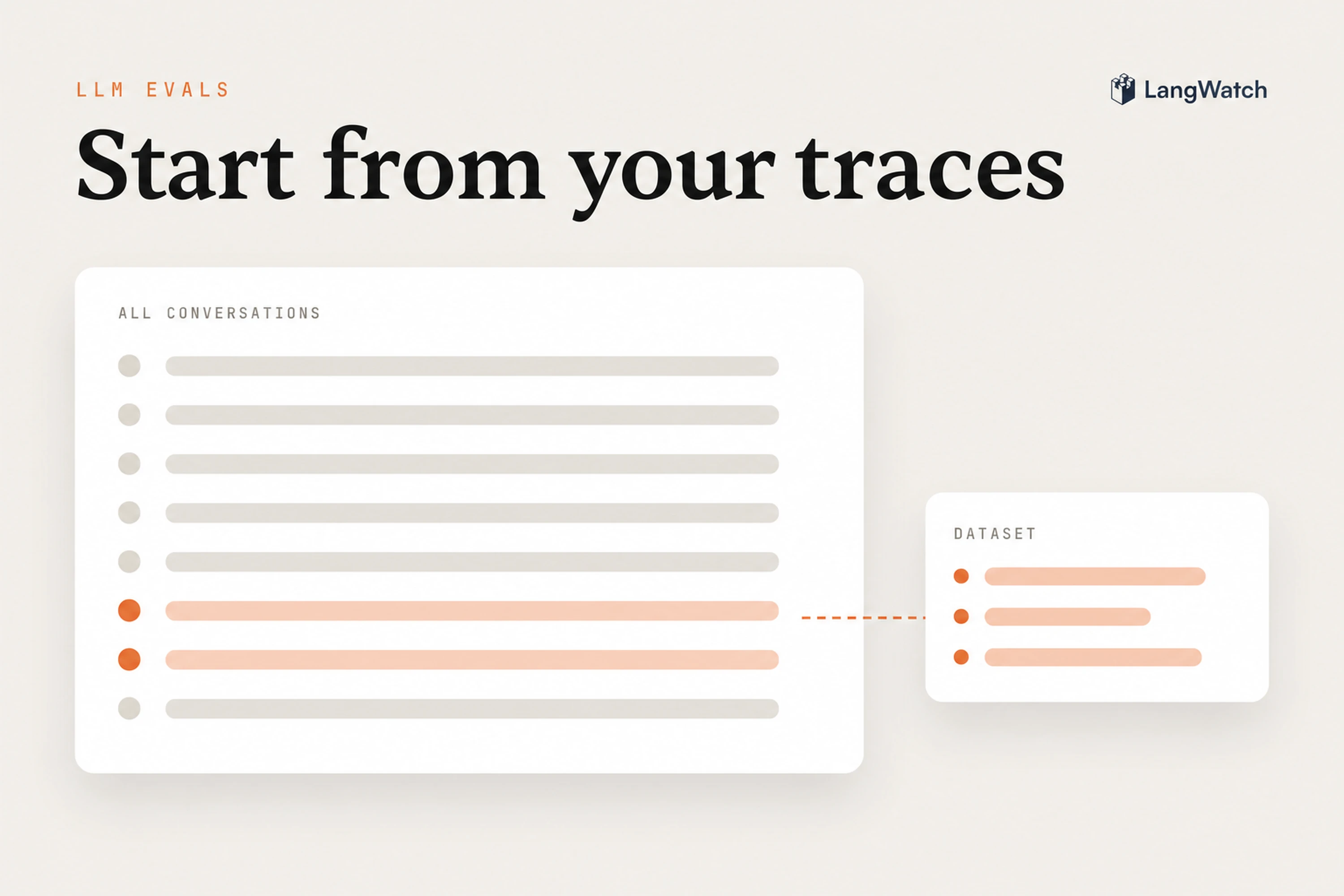
Short answer: You don't need a perfect dataset to start evals. Trace your agent, ask plain questions of all your production traffic with Instant Evals, read the failures, and turn them into datasets and scenario tests. The dataset you were waiting to write grows out of what your users already did.
Teams often put off evals until they have a golden dataset, and then spend weeks writing examples by hand. Then real users arrive and ask things the spreadsheet never covered, so the first eval runs on the wrong questions.
Why waiting for a perfect dataset stalls your evals
Teams wait because they think evals need a complete, hand-labeled dataset first. A dataset written before launch can only hold the cases you already imagined, and the failures that hurt are the ones you didn't.
LLM apps answer any question in any words, so the space of what users try is huge. We wrote about this in 2024 in the data flywheel: it's hopeless to predict every way your users will use your product, and your users will find the cases that matter faster than you can guess them. That's even more true now that agents call tools, browse and run code for dozens of steps.
So the order is the other way around. You start from production, find what goes wrong, and build the dataset from that.
Start from the traces you already have
The first step is tracing, and you can start it today. Once every conversation is recorded with its tool calls, retrievals, cost and latency, you have the raw material for every eval you'll write.
If you're not tracing yet, the LangWatch SDKs for Python, TypeScript and Go, or plain OpenTelemetry, get you there. A week of real traffic is enough to start, even from a beta with a handful of users or your own team using the agent internally.
Ask plain questions of all your traffic
Once you have traces, ask them questions in plain words. An Instant Eval takes a question like "the agent refused a question it should have answered" and judges it against every conversation in a time window, about a minute for 10,000 of them.
Every conversation gets judged, so the one case in ten thousand where the agent promised a refund it can't give shows up in the result. Start from the LangWatch CLI, on a hundred conversations:
langwatch instant-eval run "the agent promised something our policy doesn't allow" --target threads --last 7d --limit 100
Read what the judge saw with langwatch instant-eval sample, sharpen the question with --criteria when it flags the wrong things, then run it on the whole month. Good first questions are the ones you'd act on:
- Did the user leave without an answer?
- Did the agent hand off to a person when it didn't need to?
- Does the customer sound frustrated?
- Did the agent call the order tool before answering about an order?
At this point you're finding out what goes wrong and how often, which tells you what's worth a test.
Turn the failures into datasets and scenario tests
Every failure you find should end up somewhere it gets checked again, so the next prompt change can't bring it back. In LangWatch that's a dataset for experiments, a review queue for the unclear ones, or a scenario test for the whole conversation.
- Datasets. Open the matches, select the traces and add them to a dataset. Twenty real failures are a better first dataset than two hundred examples you made up, because they're the cases your users actually hit. Run your next prompt or model change against it as an experiment.
- Annotation queues. When you're not sure what the right answer was, send the traces to an annotation queue. A domain expert reviews each one, corrects the output, and the corrected traces go to the dataset as the expected answers.
- Scenario tests. When the failure is about how the conversation went, write it as a scenario: the situation, plus criteria like "the agent looks up the order before answering" and "the agent does not promise a refund". A simulated user plays it out with different words on every run, and you can run the suite in CI.
Then keep the question running. Put it on live traffic as a monitor, and an automation adds every trace it fails to the dataset as it comes in. From then on, new failures land in the dataset without anyone copying them over.
The data flywheel, two years later
The idea from our 2024 post still holds: use what your AI does in production to make it better, which brings more usage, which shows you new cases to fix. What changed is that each step of the loop is now one action instead of a project.
| Step of the loop | In 2024 | In LangWatch today |
|---|---|---|
| Find what goes wrong | Read traces by hand, or sample a few hundred | Ask a plain question of every conversation with Instant Evals |
| Keep the examples | Export to a spreadsheet | Add traces to a dataset, or let an automation do it |
| Get the right answer | Ask an expert over chat | Annotation queues with corrected outputs |
| Check the fix | Rerun a few examples by hand | Experiments on the dataset, scenario tests in CI |
| Watch it stay fixed | Check a chart now and then | A monitor on live traffic with the same question |
There's still no shortcut through the discovery part, because the failures your agent meets are specific to your users and your domain.
What if you have no traffic yet?
Then write a small set of scenarios from what you already know, and get real users in as early as you safely can. Ten or twenty scenarios cover the cases you're sure about, and tracing catches the rest.
Good first scenarios come from the rules your agent must not break: the refund your policy forbids, the question that has to go to a person, the customer data it must never show to someone else. Our guide on how to test AI agents walks through writing them.
Then let a small group in with tracing on, and ask your first plain question of their conversations in the first week.
Put this into production with LangWatch.
Trace your agents, run evaluations, and turn failures into repeatable tests.
Frequently asked questions
- How many examples do I need to start LLM evals?
- Fewer than you think. Ten or twenty real failures from your traces tell you more than a few hundred examples you wrote by hand, because they show what your users actually do. Start with those, and let the dataset grow from production as new failures come in.
- Should I use synthetic data to start evals?
- Synthetic data is useful when you have no users yet, to try your agent on cases you can already think of. It can't show you the cases you didn't think of. As soon as you have real traffic, move your evals onto traces from production.
- What if my agent isn't in production yet?
- Write ten or twenty scenarios from what you already know, such as the refund your policy forbids or the question the agent must hand to a person. Then let a small group of real users in with tracing on, and start judging their conversations in the first week.
- What is an eval cold start?
- It's the loop teams get stuck in at the start: to ship the agent you want evals, to write good evals you want real data, and to get real data you have to ship. The way out is to start with tracing and a few plain questions, and build the dataset from what production shows you.