
AI agent monitoring: hear about a broken agent before a customer does
AI agent monitoring means judges on your live traffic, alerts on the filters and graphs you already use, and every failure you find turned into a test, so you hear about a broken agent from an alert before a customer opens a ticket.
 Rogerio Chaves · · Agents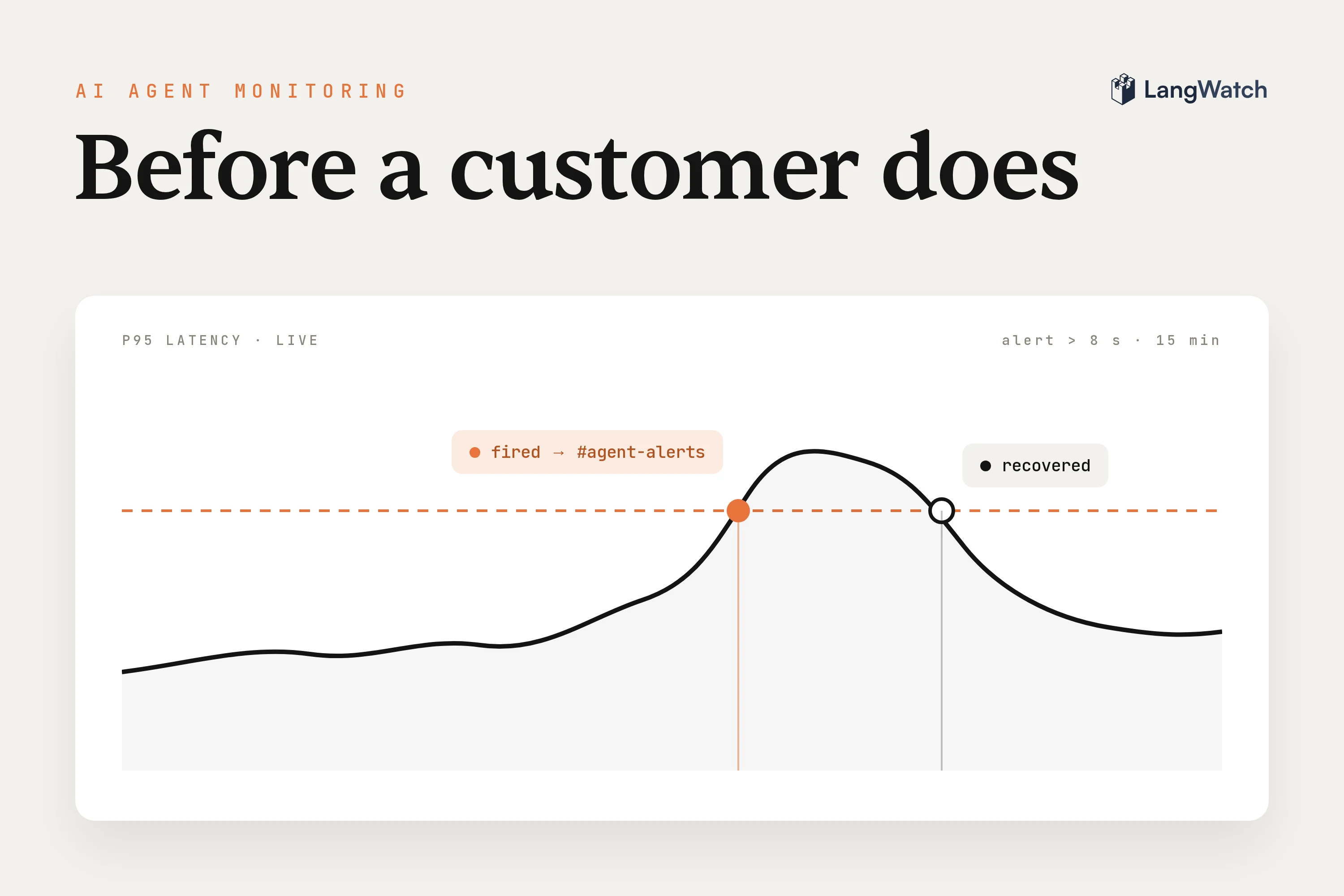
Short answer: AI agent monitoring means running judges on your live conversations, alerting when the share of bad ones goes up, and turning every failure you find into a test. Error rates and keyword search catch crashes, but they miss an agent that politely refuses questions it should answer.
Ask a team how they found out about their last agent problem, and the answer is usually a support ticket. The traces were there the whole time, and nobody opened them until the ticket came in.
What is AI agent monitoring?
AI agent monitoring is watching an agent in production for wrong outcomes, failed tool calls, cost and latency, and getting told when one of them goes bad. It builds on LLM monitoring, which watches single model calls, and adds judgment of the whole conversation.
You need tracing first. Every request gets recorded with its model calls, tool calls, retrievals, tokens and cost, grouped into a thread per conversation. Our post on agent observability covers what a good agent trace shows, and the observability docs cover the SDKs for Python, TypeScript and Go.
Monitoring means running judges and alerts over those traces every day, so a person gets pinged when something needs a look.
The signals to track: outcomes, failures, cost, latency, drift
Track whether the user got what they came for first, and the operational numbers second. An agent with a perfect p95 that turns its users away is a broken agent with good latency.
- Outcomes. Did the agent answer the question, resolve the problem, stay on the topic? Only a judge reading the conversation can tell you this. User signals help too, like a thumbs down, a user asking for a human, or a user who gives up before the reply finishes.
- Failures. Errors, failed tool calls, empty retrievals, a tool called with the wrong arguments. These are the easy ones, because they leave a mark in the trace.
- Cost. Cost per conversation, because an agent stuck in a retry loop looks fine on every single call and still costs you several times as much per user.
- Latency. p95 and time to first token if you stream, since users leave on the slow tail and the average hides it.
- Drift. The same judge score over weeks, split by prompt version and model. A slow slide after a deploy is the thing a weekly glance at a chart misses.
Why keyword search misses agent failures
Searching your logs for "sorry" or "I can't help with that" only finds the failures you already thought of. Bad conversations don't share words, and the agent has a thousand other ways to say it doesn't know.
Say you want your support agent to handle more cases on its own. The work is finding out why the rest go to a person. Keyword search can't do it, because the agent says "I don't know" in endless different ways. An LLM judge reading each escalation and saying why it happened can.
It works the other way around too. Put one judge on your live chats asking whether the conversation went well, and it may flag the bot refusing questions it should have answered, far more often than anyone guessed. Then Claude Code can read the flagged traces through the LangWatch MCP server to work out why.
Error rates would never have shown either problem, because every one of those replies came back with a 200.
How do I monitor my AI chatbot's performance?
Put a judge on live traffic with the one question that matters for your product, then alert on the traces it fails and on the graphs you care about. In LangWatch that's an online evaluation for the judging and an automation or alert for the ping.
Judges on live traffic. An online evaluation, which we call a monitor, runs an evaluator on every trace that matches its filter. An LLM-as-a-judge reads the full trace, tool calls with their arguments and results included, so it checks what the agent did as well as what it said. A thread-level monitor waits until the conversation goes quiet and then judges the whole thing, which is where questions like "was the user's problem resolved" belong.
A few things that keep monitors useful:
- Ask the judge something you'd act on. When it flags a conversation, you should know who fixes it, and the reason it returns should tell you where to start.
- Sample the traffic on expensive judges. Every judged trace is a model call, and a sample of a busy agent's traffic still shows you the trend.
- Monitors run after the response is sent, so they never slow down a reply. If you need to block a bad answer before the user sees it, run the same evaluator as a guardrail in your code.
Alerts from the filter you already use. You probably already have a filter you open when you go looking for bad traces, like a failed monitor, an error, a thumbs down or a topic. In the Trace Explorer, set that filter and click Automate. Every new trace that matches goes to Slack, email or a webhook, into a dataset, or into an annotation queue for a person to review. Automations group notifications into a digest, every five minutes for a new one, so a broad filter doesn't flood a channel.
Alerts on trends. Some problems only show up as a line, like p95 latency creeping up or cost per conversation going up after a prompt change. Put an alert on a custom graph with a threshold and a time window, for example p95 latency above 8 seconds over 15 minutes, so one slow request doesn't wake anyone up and a slow quarter of an hour does. It fires when the line crosses and records when it recovers, so the history shows how long the problem lasted.
Or let your coding agent set it up. Monitors, automations and alerts all have CLI commands and MCP tools, so Claude Code or Codex can create them from a description of what bad looks like. For example, this creates an automation that emails on-call whenever a monitor fails a trace:
langwatch trigger create "Refused answers" \
  --action SEND_EMAIL \
  --action-params '{"members":["oncall@example.com"]}' \
  --filters '{"evaluations.passed": {"<monitorId>": ["false"]}}'
The Triggers API page has the graph alert version, with --graph-alert, and langwatch trigger fires <id> lists every time it fired.
Turn what you find into to-dos and tests
Every failure an alert finds should end up as a row in a dataset or a test, so the same thing can't come back quietly after the next prompt change.
Nobody wants another chart to check. Point the automations at the places where work gets done:
- Into a dataset. An automation with the Add to dataset action appends every matching trace to a dataset, mapped to its columns. Your next experiment then runs on real failures instead of examples you made up.
- Into an annotation queue. When the judge isn't sure, send the traces to a queue, where a domain expert reviews them, corrects the output and sends the reviewed traces to a dataset.
- Into an agent test. A production incident becomes a scenario in agent testing, where a simulated user replays the situation on every change and a judge checks the criteria. Our guide on how to test AI agents walks through writing one.
When you have a new suspicion and no monitor for it yet, you don't have to wait a week for new traffic. Instant Evals are evals over your whole history, a plain question like "the customer sounds frustrated" judged against every conversation, about a minute for 10,000 of them. If the count is worth watching, make it a monitor.
AI agent monitoring tools in 2026
Each kind of tool sees a different part of an agent's failures, so you'll likely run more than one. LangWatch covers the agent side and leaves the servers to your APM.
| Kind of tool | What it catches | What it misses on an agent |
|---|---|---|
| APM, logs and infrastructure metrics | Crashes, 5xx errors, server latency, provider timeouts | Wrong answers, refusals and bad tool choices that return a 200 |
| Product analytics | Usage, retention, thumbs up and down | Why a conversation failed, and the users who leave without clicking anything |
| LLM tracing | Every model and tool call with tokens, cost and latency | Whether the conversation was any good, unless something scores it |
| Eval platforms run before release | Regressions on a fixed dataset | Failures your dataset never imagined |
| LangWatch | Tracing, judges on live traffic per trace or per conversation, automations from any filter, graph alerts, datasets from failing traces, agent tests, Instant Evals over your history | The servers underneath, so keep your APM for those |
LangWatch is open source and you can self-host it, so the traces your judges read can stay on your own infrastructure.
A good first week looks like one judge with one narrow question, one automation that sends its failures to a dataset, and one alert on p95 latency. Then add the next judge once you've fixed what the first one found.
Put this into production with LangWatch.
Trace your agents, run evaluations, and turn failures into repeatable tests.
Frequently asked questions
- What tools can I use to monitor my AI chatbot's performance?
- Use tracing that records every conversation with its tool calls, cost and latency, evaluators that judge live conversations against your own criteria, and alerts that reach Slack, email or a webhook when either one goes wrong. LangWatch does all three in one open-source platform, and APM tools still cover the servers underneath.
- How do I monitor my AI chatbot's performance?
- Trace every conversation, then put an LLM judge on live traffic with the one question that matters for your product, such as whether the bot answered or turned the user away. Create an automation on the failing traces so they reach Slack or a dataset, and add a graph alert on p95 latency and cost.
- What is the difference between AI agent monitoring and LLM monitoring?
- LLM monitoring watches single model calls: latency, tokens, cost and errors. AI agent monitoring watches the whole run, with the tool calls, the retries and every turn of the conversation, and judges whether the user got what they came for. An agent can make ten fine model calls and still fail the user.
- Do online evaluations slow down my agent?
- No. In LangWatch a monitor scores the trace after the response is sent, so it never delays or blocks the reply. You can also sample a share of the traffic on expensive judges. If you need to stop a bad answer before the user sees it, run the evaluator as a guardrail from your code instead.
- Can my coding agent set up monitoring for me?
- Yes. The LangWatch CLI and MCP server create monitors, automations and graph alerts, list what fired, and read the traces behind a failure. You describe what bad looks like to Claude Code or Codex, and it can create the monitor and the automation that sends the failures to Slack or a dataset.