


Flowise is a low-code tool for building LLM pipelines. If you are using Flowise, you can enable LangWatch from their UI for analytics and evaluations.
Obtain your API Key
Create your LangWatch account and project to obtain your API Key from the dashboard
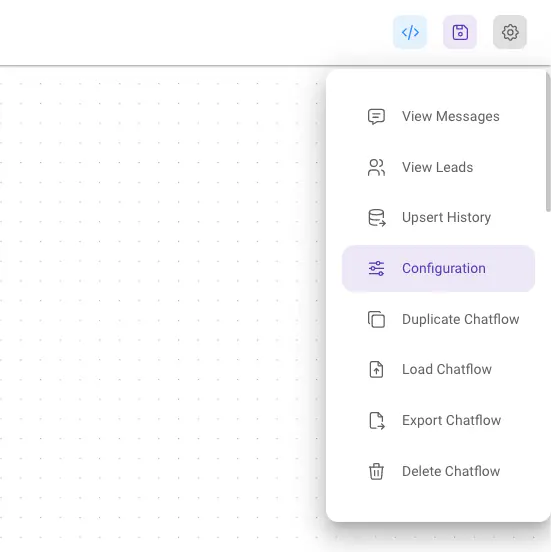
Go to your Chatflow settings
At the top right corner of your Chatflow or Agentflow, click Settings > Configuration
Go to the Analyse Chatflow tab to find LangWatch
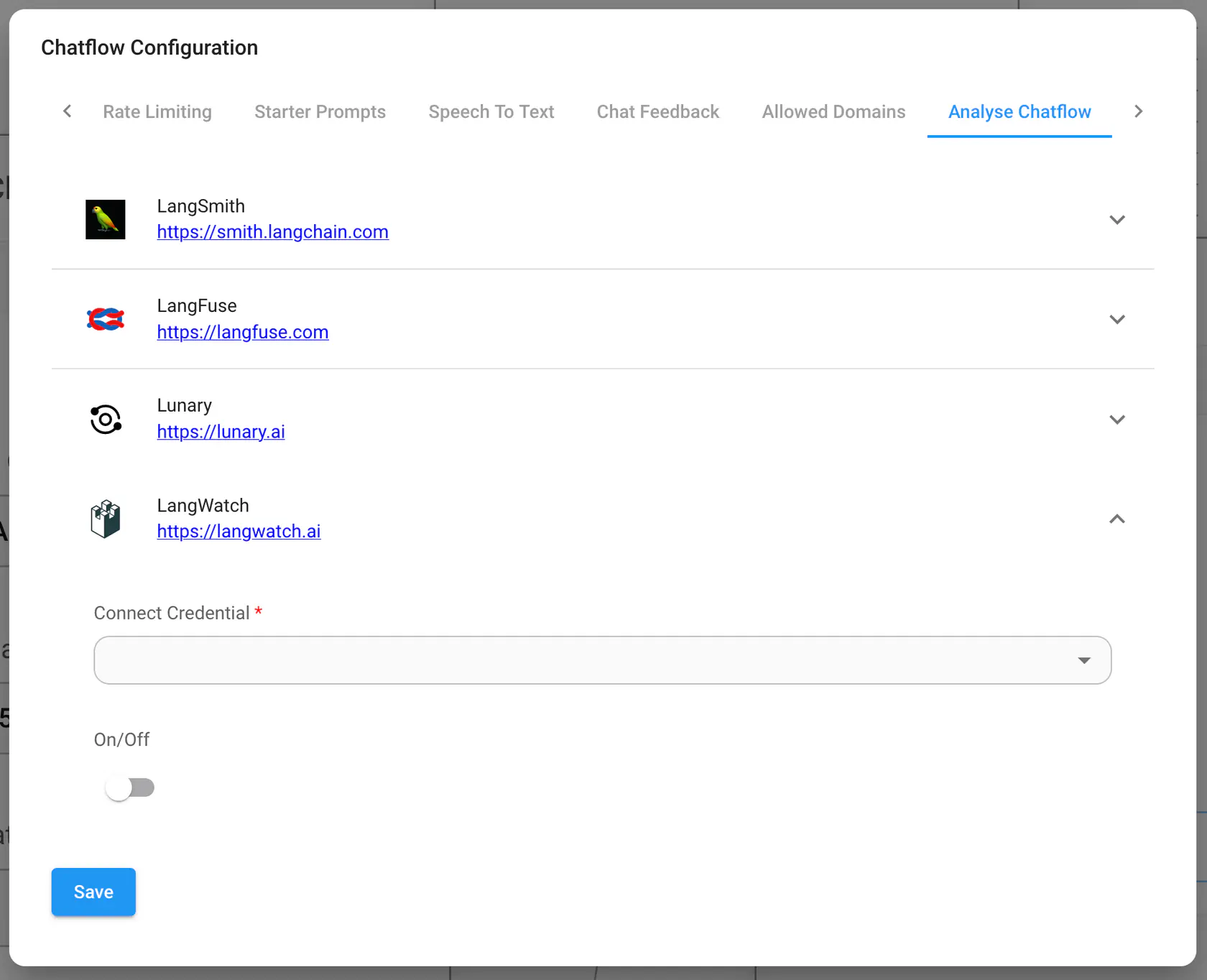
Create a new credential and enable LangWatch
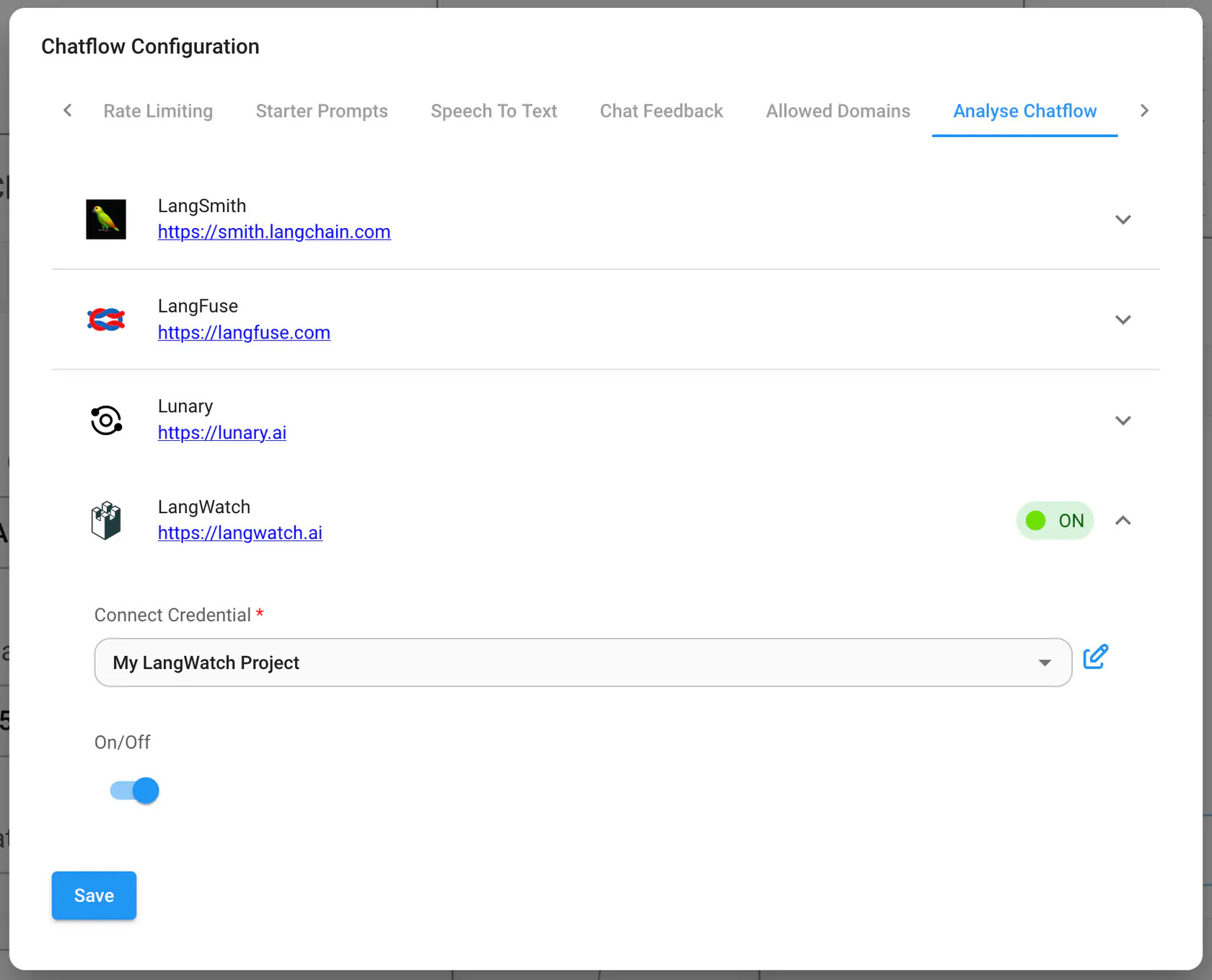
Test the integration
Send a message to your agent or chatflow, then open LangWatch to see the trace.


For more information, check out Flowise docs.