

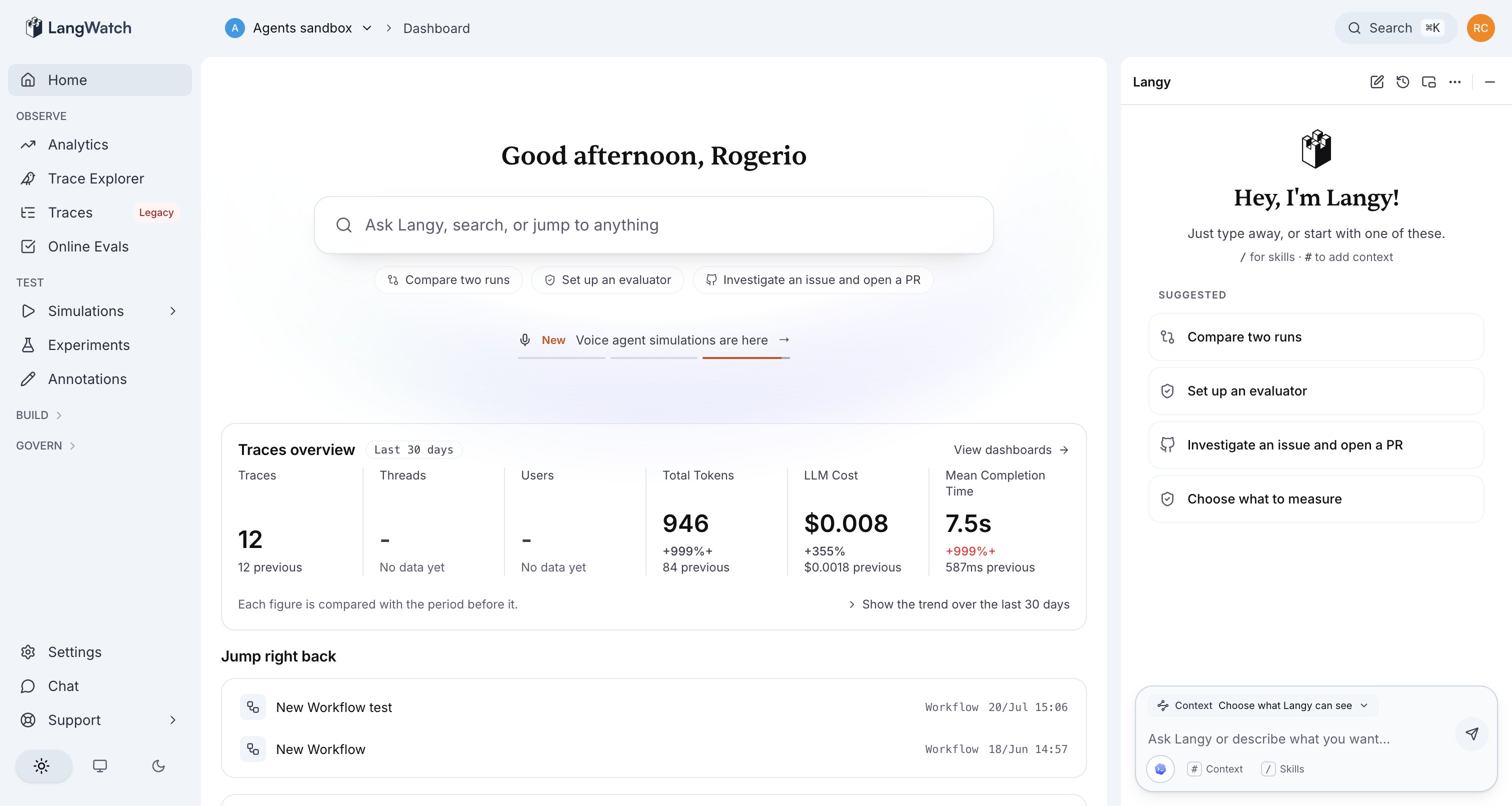
The Langy panel open on the LangWatch home. Ask it a question and it starts reading your traces.
Where to go next
Getting started
Enable Langy, pick a model or sign in with Codex, and review the first pull request.
How Langy works
The mechanism: a gVisor-sandboxed agent worker whose only interface to LangWatch is the
langwatch CLI.Ask Langy
The chat panel and the kinds of questions Langy answers, from regressions to cost spikes.
Prompt Optimization
Langy scores, rewrites, and reruns your prompt in one loop.
Models and Codex
The model picker, bring your own API key, and signing in with your OpenAI account for Codex.
Security and the sandbox
What the sandbox can and cannot reach, and where the boundaries sit.
Self-hosting Langy
Ships enabled in the Helm chart, sandboxed with gVisor by default.