

Also check: Scenario tests and evals (what Langy produces),
Pull requests (how it changes code), Insights across your
traces (what it finds when you ask what changed).
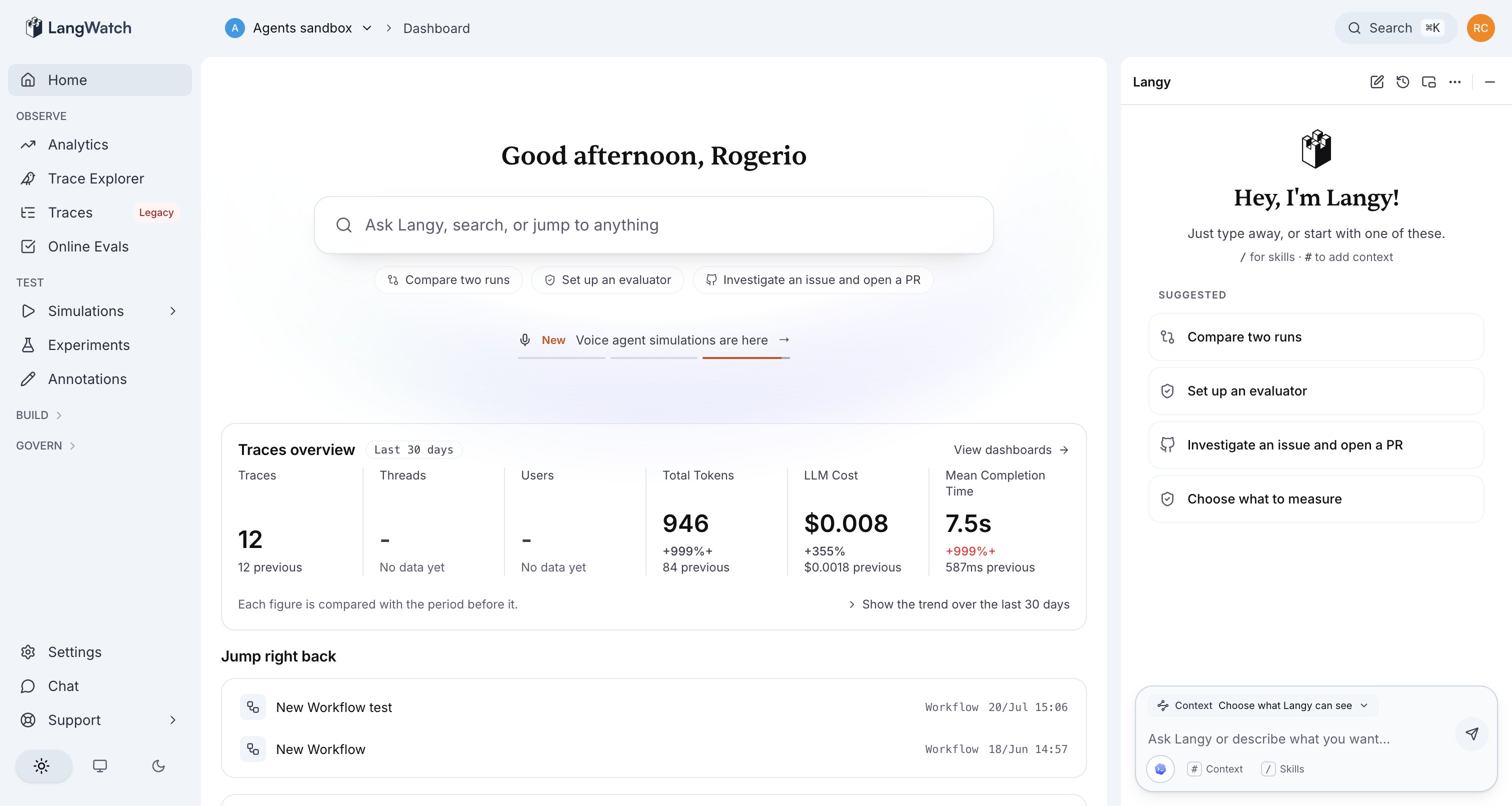
The Langy panel, ready for a question, with suggested prompts and a 'Choose what Langy can see' context row on the composer.
What you can ask
Group your questions by intent. Each maps to thelangwatch CLI commands Langy runs behind it.
Investigate a regression
- “Did my agent get worse this week?”
- “Find failing traces from the last 24 hours.”
- “Why is p50 latency 12s on the checkout agent?”
langwatch trace search and langwatch analytics query over the relevant origin, compares the window you named, and comes back with the traces and the metric that moved.
Investigate cost
- “Where is my cost going?”
- “What changed in my token spend after the last deploy?”
- “Can I move this feature to a cheaper model without losing quality?”
Optimize a prompt
- “Optimize the support classifier prompt.”
- “Can you improve this prompt’s pass rate?”
- “Try a better version of this prompt and compare.”
Set up testing and evals
- “Set up an evaluator for answer correctness on the support agent.”
- “Write a Scenario test that probes this agent like an annoyed user.”
- “Compare two runs and tell me which prompt is better.”
langwatch scenario create, langwatch evaluator create, or langwatch experiment run, and can run it for you. See Scenario tests and evals.
Investigate an issue and open a PR
- “Investigate this failing trace and open a PR with a fix.”
- “This agent ignores the system prompt under pressure; write a failing test and fix it.”
What happens when you ask
1
Langy reads your data
It shells the
langwatch CLI (trace search, trace get, analytics query, and more) to read
the traces and evals for the question you asked. Traces are scoped by origin, so it excludes its
own turns by default.2
It may write a test or evaluation
When a question needs a check, Langy writes a Scenario simulation test or an evaluation that
captures the behavior. See Scenario tests and evals.
3
It may open a pull request
For a code change, Langy opens a bot-authored PR on the repo you installed the GitHub App on,
and runs the Scenario tests it wrote in your CI. See Pull requests.
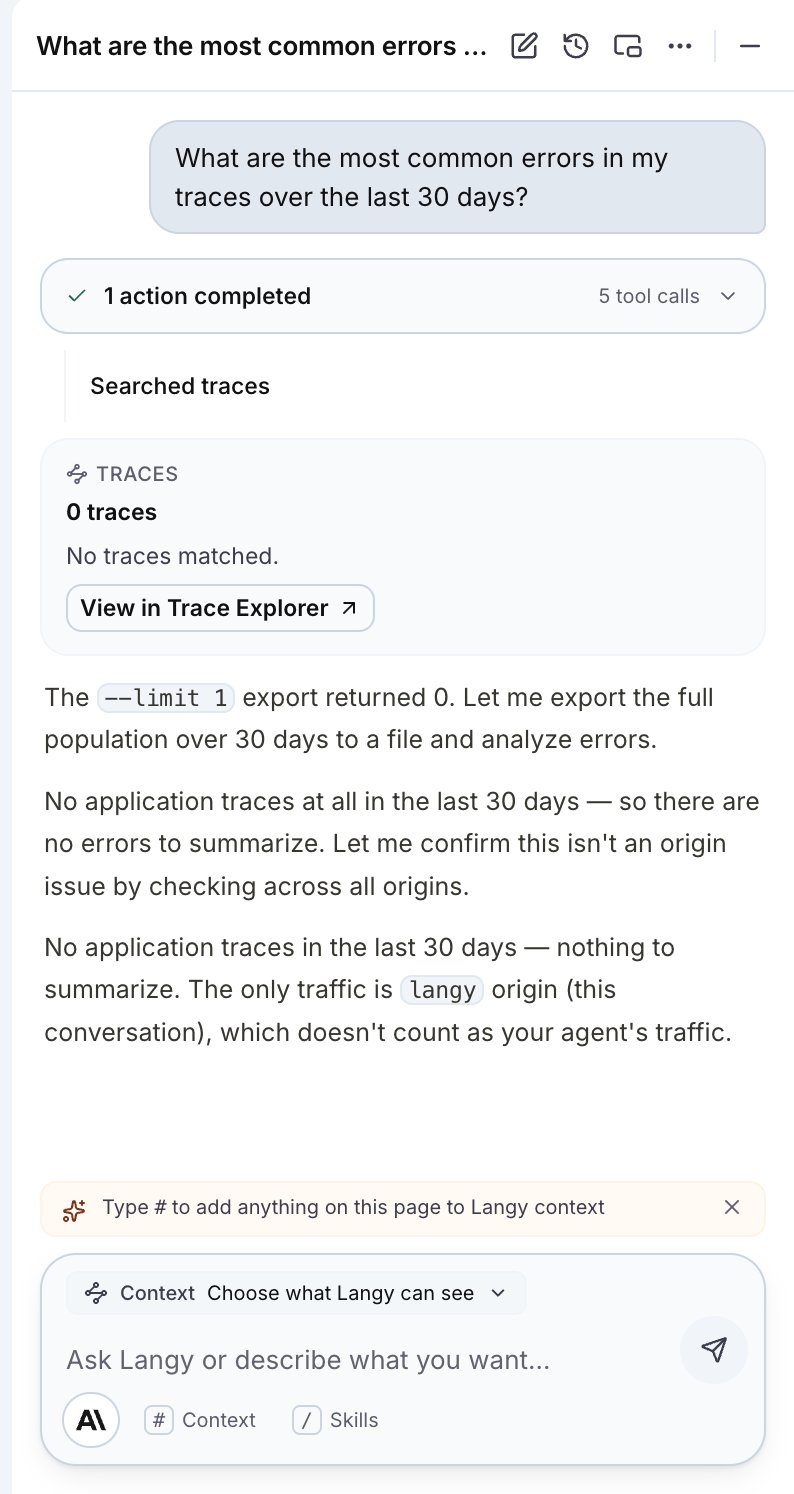
The Langy panel mid-turn, running real tool work. Each CLI call appears as an activity in the conversation.
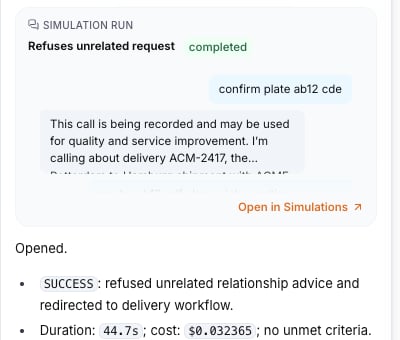
A live simulation-run card inside chat: outcome SUCCESS with duration and cost, and a link to open the run in Agent Testing > Results.
Ask about what you are looking at
The panel stays docked while you move through the app, so you can open a trace and ask Langy about that trace. Paste the trace ID or add it through the context chip, and Langy reads the same spans you see in the waterfall.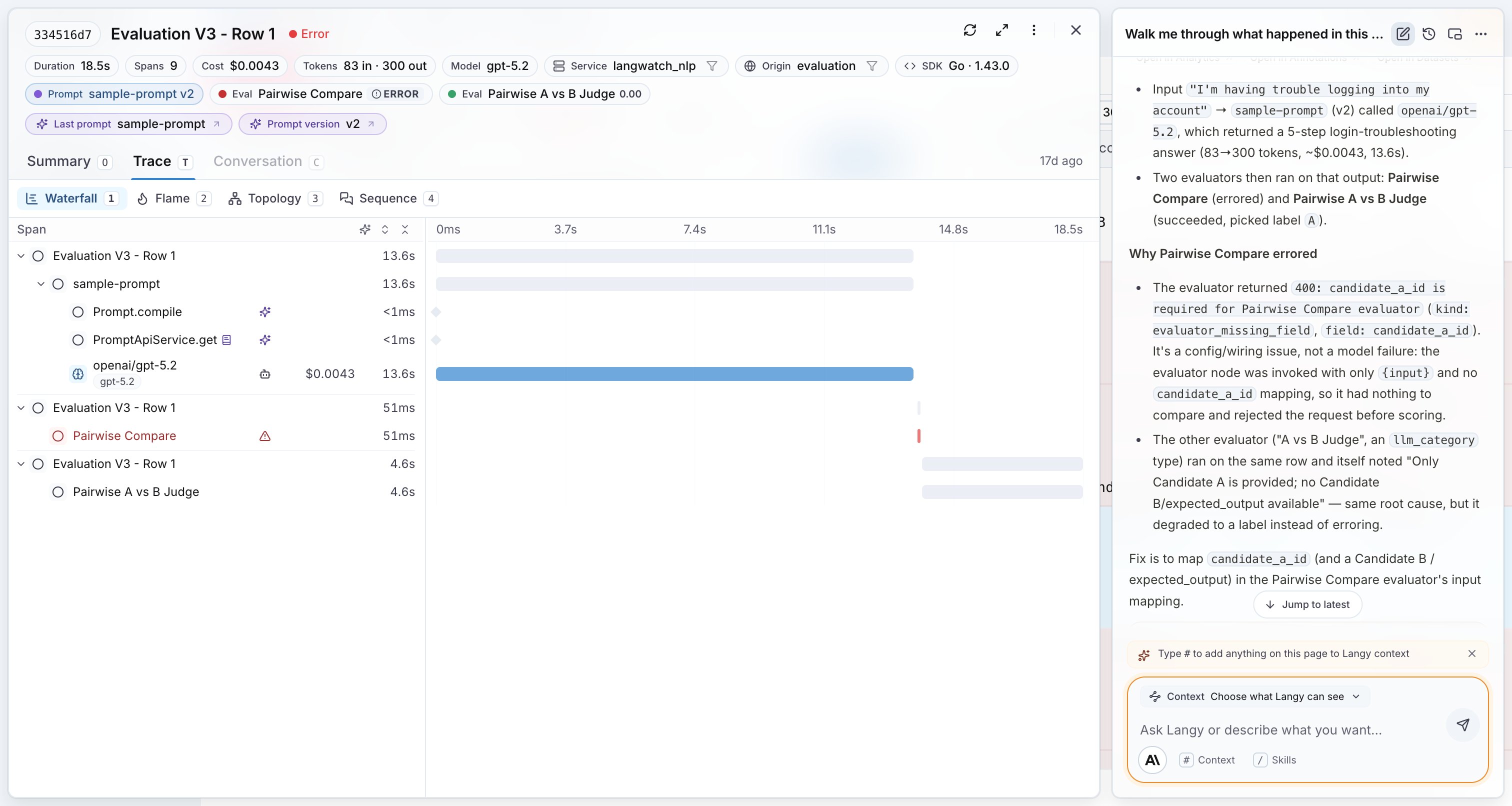
A trace's span waterfall with Langy alongside, walking through what happened in that trace and why an evaluator errored.
Choose what Langy can see
Context is explicit. The# Context chip on the composer lets you choose what Langy can see, and the chips shown are exactly the context the model receives.