

Manage departments
Open AI Governance > People (/governance/people). The page has:
- Create a department: type a name and click Create.
- The department list, with Edit to rename and Archive in the row menu.
- Assigning departments: links to the members and teams pages, where you assign each person, team and project.
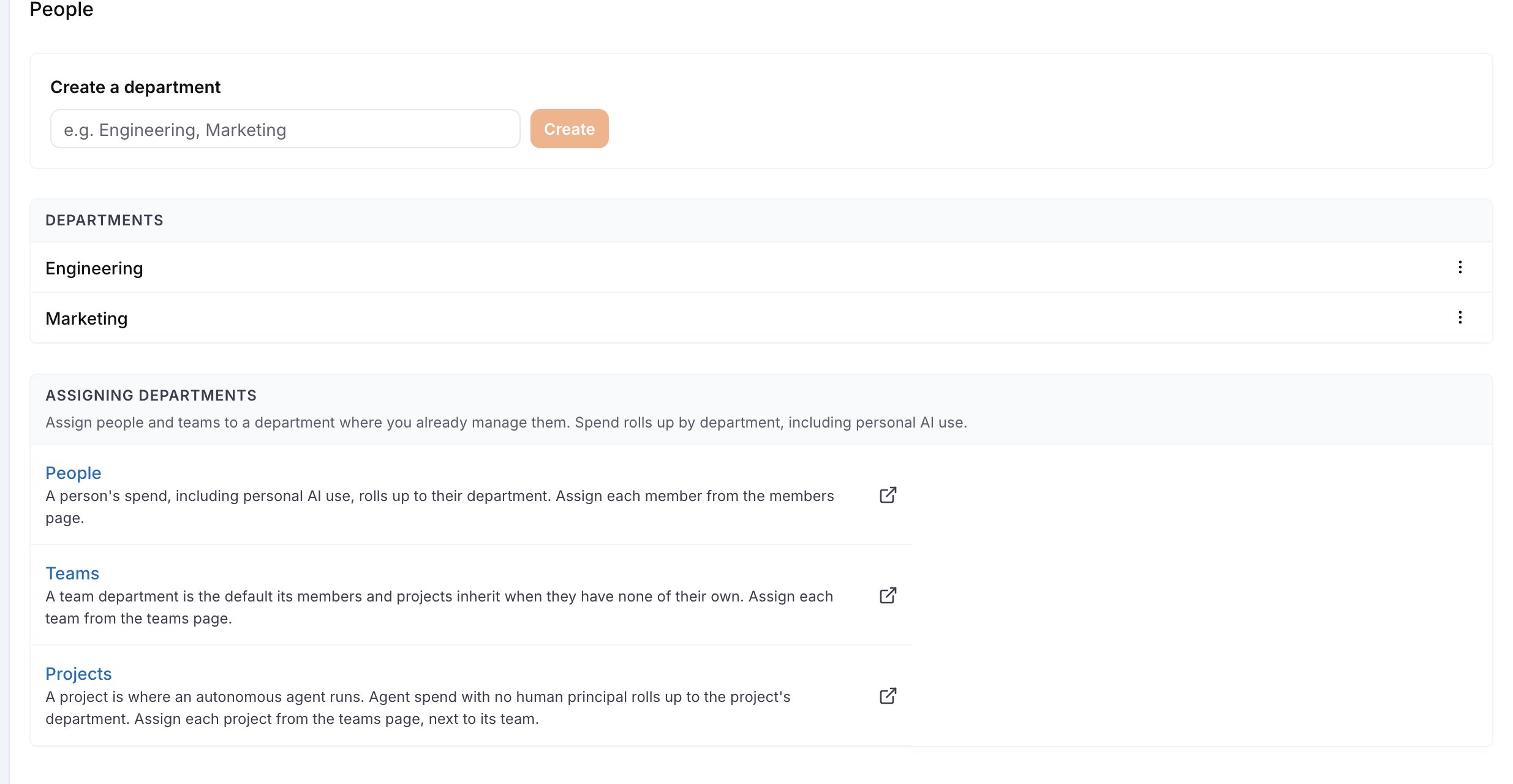
The People page with two departments and the assignment guide below the list.
governance:view. Creating, renaming, archiving and assigning need governance:manage. Without it the page shows the list only.
Assign people, teams and projects
The People page does not list assignments per person, so it stays usable in a large organization. Assign on the pages that already list the people and teams:
The Department column and the pickers appear once the organization has at least one department, for a viewer with
organization:manage.
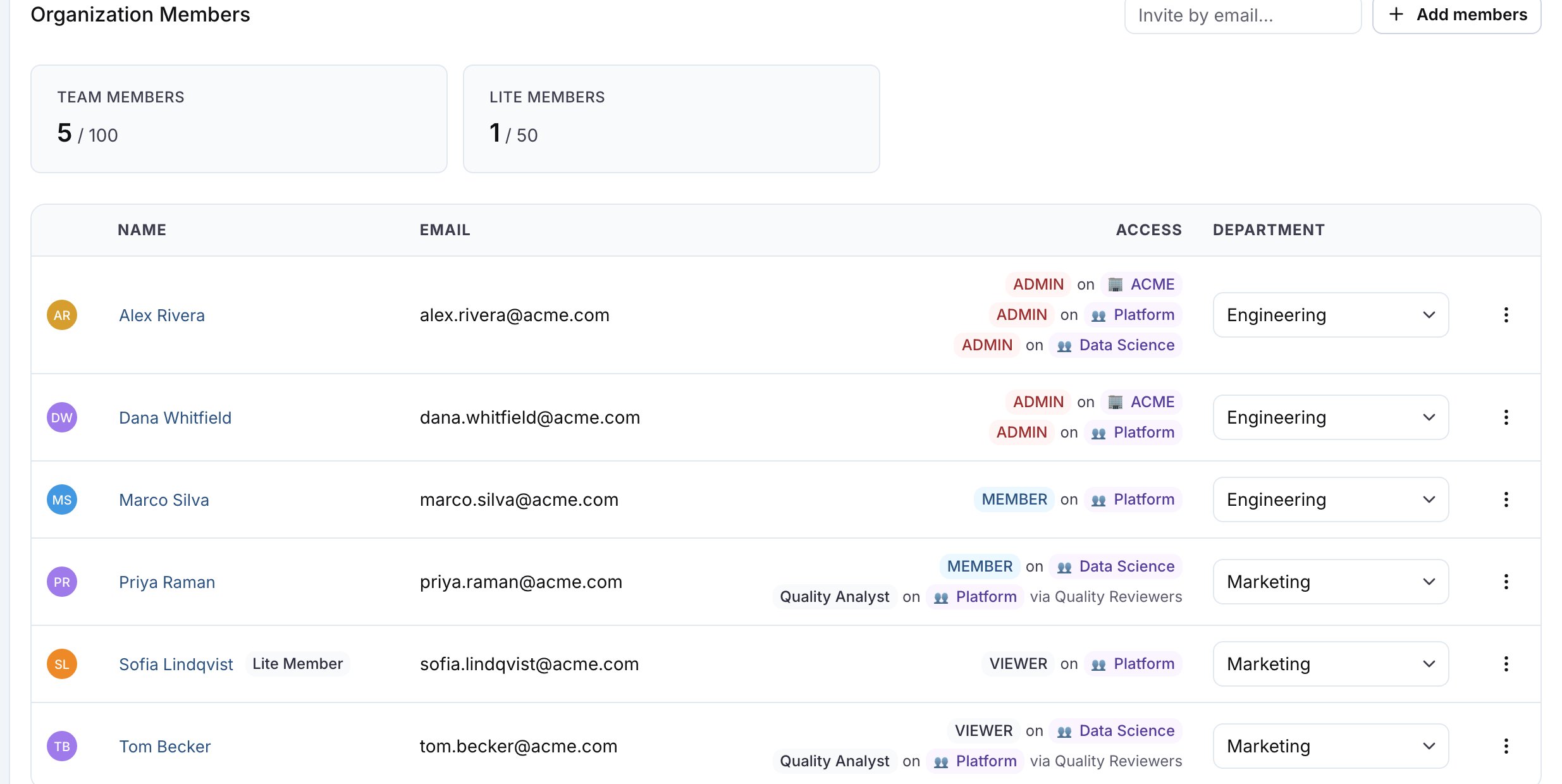
The Department column on Settings > Members, with each person assigned to Engineering or Marketing.
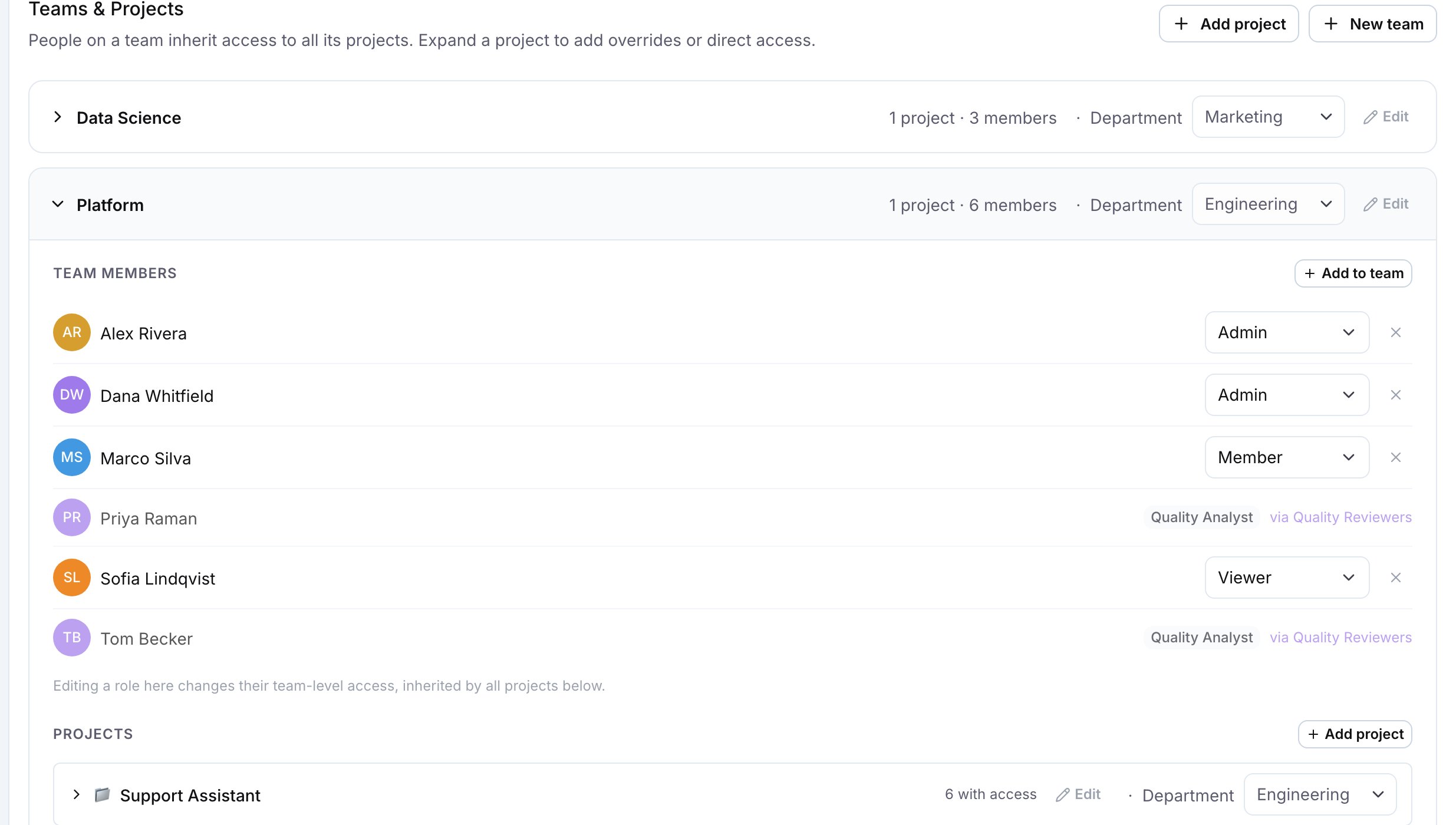
The Department picker on each team row and on the project row under the expanded team at Settings > Teams & Projects.
How spend is attributed
Each request counts once, in exactly one department. For a request made by a person, LangWatch uses the first of these that is set: the person’s own department, the department of their team, the department of the project the request ran in. For a request with no person behind it, for example an autonomous agent, LangWatch uses the department of the project. A project’s department is its own, or the one inherited from its team. A request that matches none of these is counted under Unassigned. The person always wins over the project, so a developer’s personal AI use and the agents their team runs can land in the same department. The Spend by department card on the overview shows the result for the last 30 days, across every project in the organization.Archive a department
Archive removes the department from the pickers. Spend already attributed to it is counted under Unassigned from then on. The assignments stay stored; archive deletes no data. You can create a new department with the same name as an archived one.Assign departments through SCIM
When your identity provider provisions users through SCIM, LangWatch reads thecostCenter attribute of the SCIM Enterprise User extension: