

 LangWatch tracks the optimization of a RAG application built with DSPy, step by step.
DSPy RAG Module
The example RAG application is the sample app from the official DSPy documentation. For more detail, see the RAG tutorial. Firstly, lets access the dataset of wiki abstracts that will be used for example RAG optimization.api_key in the browser. Paste the API key into your code editor popup and press enter - now you are connected to LangWatch.
BootstrapFewShot is used and it will
bootstrap our prompt with the best demos from our dataset.
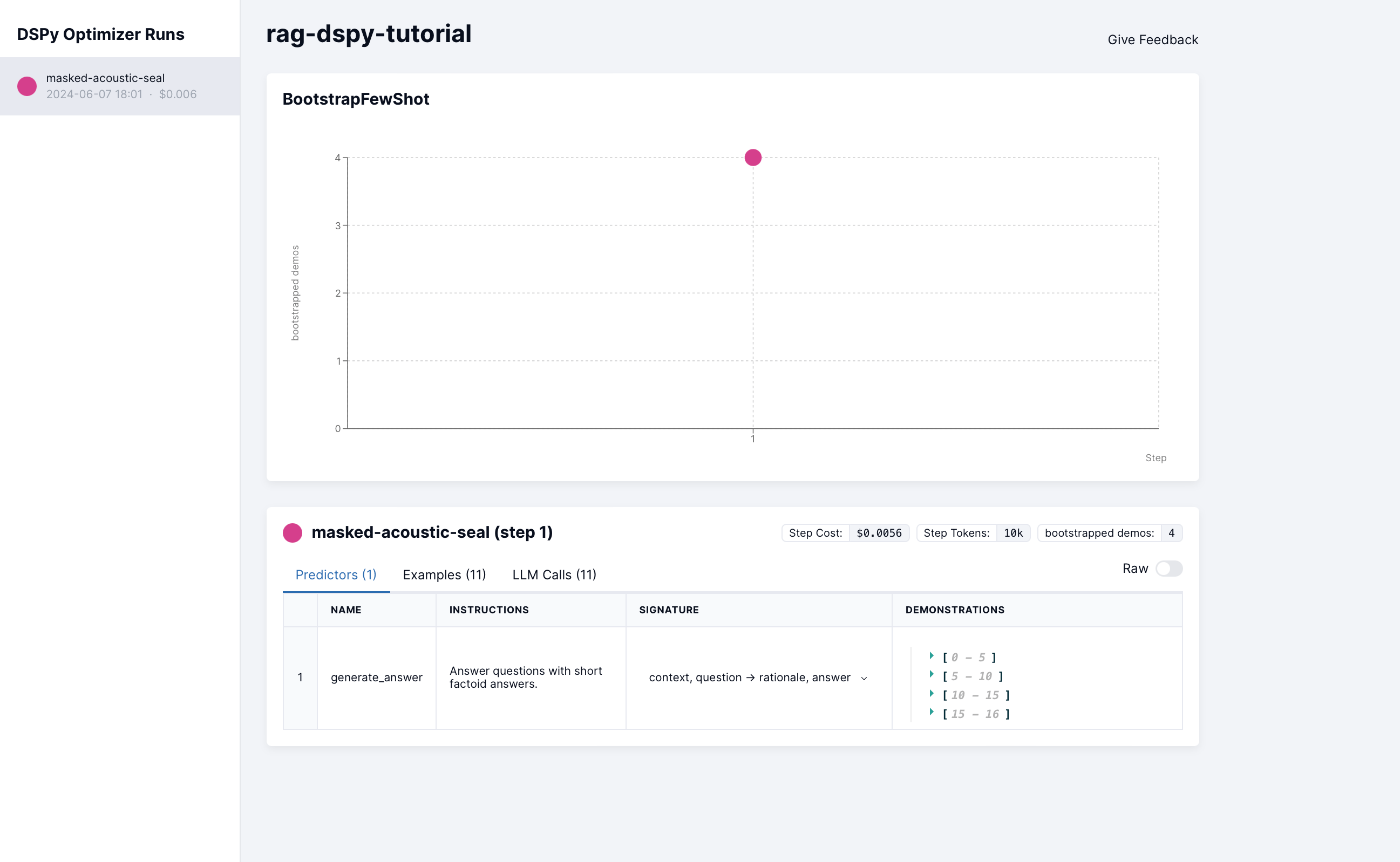
DSPy Experiment Dashboard
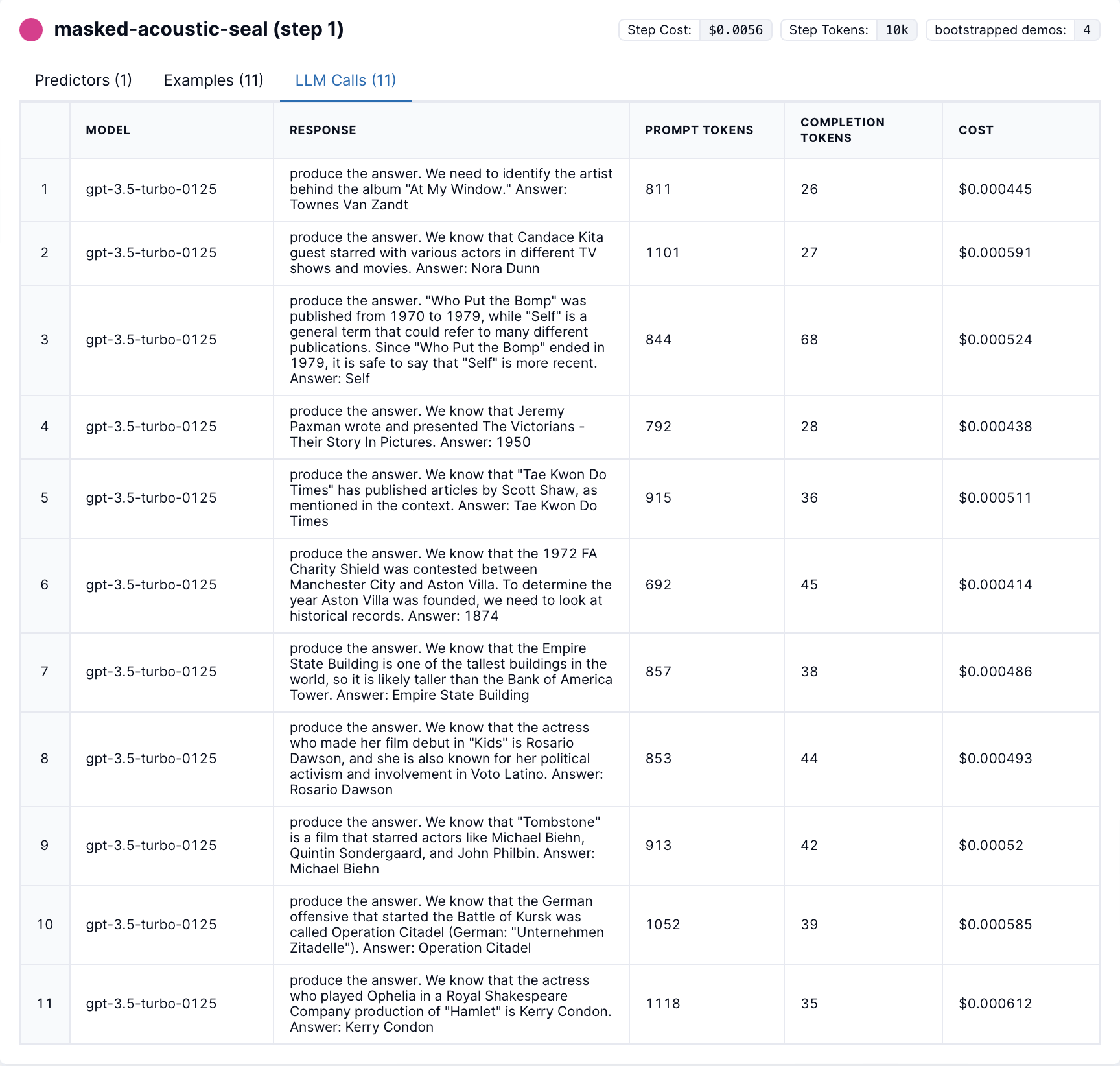
DSPy LLM calls
Open in Notebook
You can access and run the code yourself in Jupyter Notebook