

- Claude Code
- Codex
- GitHub Copilot
- Gemini CLI
- OpenCode
- Cursor
What you see now
Work with the agent for a minute, then open /me: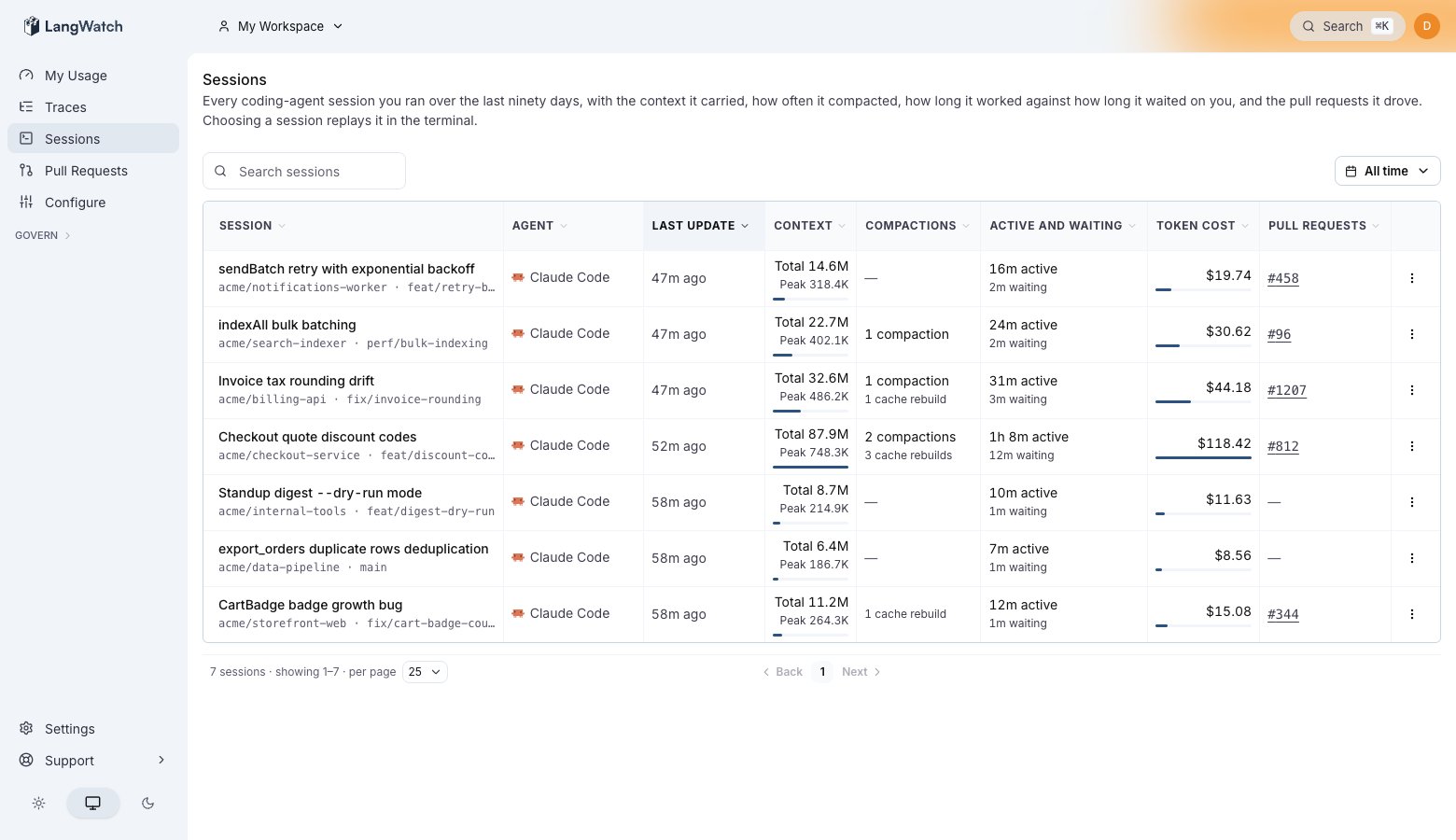
The sessions list on /me. Each row is one session, with its cost, the context it carried, and the pull requests it created.
- Your session is on the sessions list, with its cost, the context it carried, and a terminal replay of the conversation.
- Your spend for the month is on the usage cards. See Usage analytics.
- Once the session works on a branch with a pull request, it shows under Pull requests.
Expand from here
- Run plain commands with reporting on.
langwatch instrument <tool>writes the connection and exits, soclaudewithout the wrapper reports too. Each agent’s page covers it, for example Claude Code. - Send a machine to a team project with
--project, or wire servers and CI with no login. See Team projects and Headless machines and CI. - Route the model calls through the LangWatch AI Gateway for budgets, model policies and provider fallback. See the coding CLI gateway integrations.
- Control what gets stored. Privacy states who can read your sessions, and you can drop the conversation content while keeping the cost and token counts.