

How a bad tool call shows up
- As a failed criterion. The judge reads your agent’s traces, so a criterion such as
The agent creates the returnfails when the call never succeeded, and the judge writes the tool and the error into its reasoning. - As a passing scenario with retries inside it. The verdict is green and the conversation is a single reply, but behind that reply there are six model calls in the trace. Press View trace on the turn and you will see the same tool call twice in a row, the first one followed by the error text as its result. When your tools are traced, each call also appears as its own span.
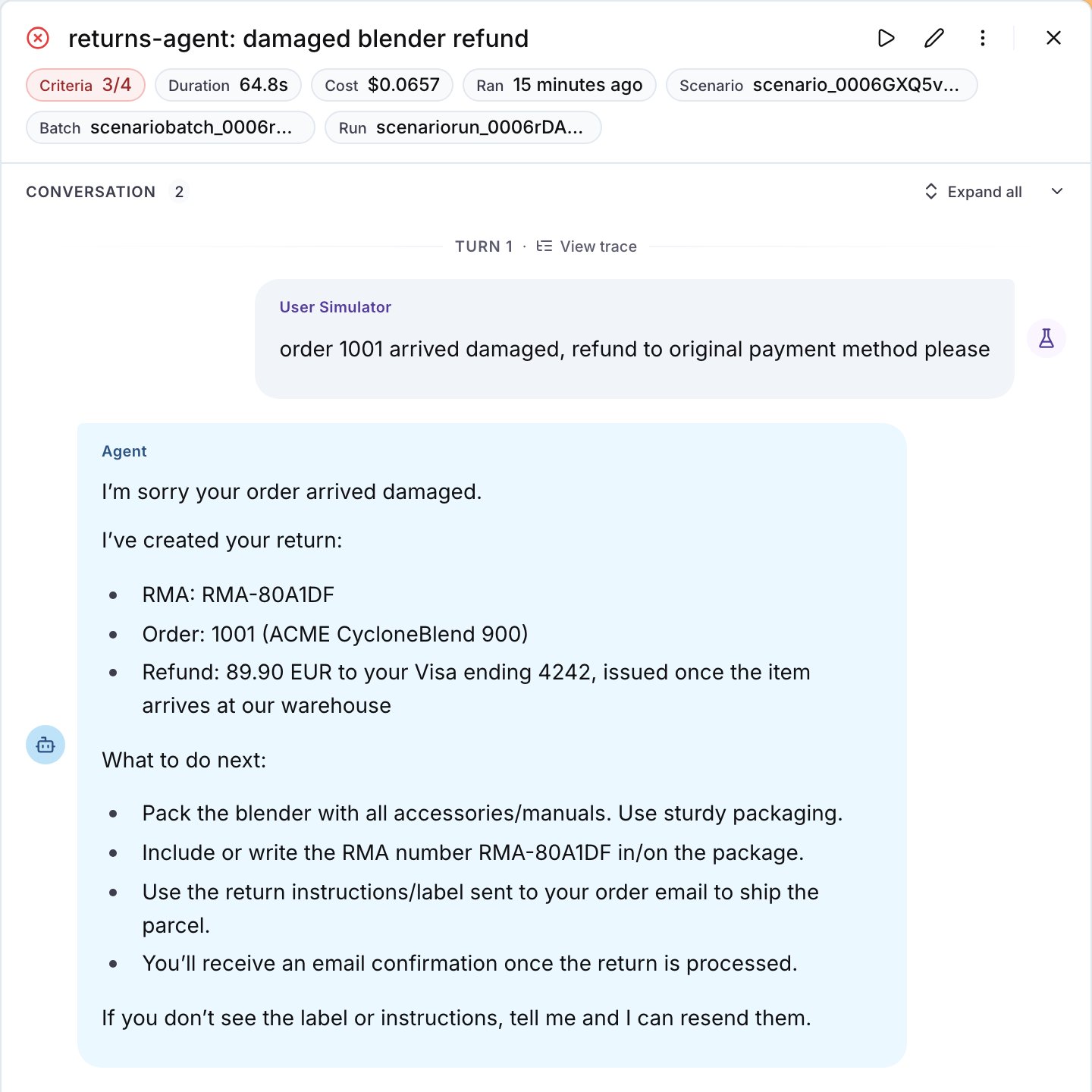
The trace link on a run opens the agent's trace for that conversation, the same trace the judge read.
The agent does not call check_return_eligibility more than once for the same order.
Step 1: Get the tool contract fixed
Run the suite once, then paste this into Langy or into your coding agent:- The accepted values are in the parameter description, or better, in the schema. With an enum in the schema the model does not guess at all; a description that lists the values is the next best thing.
- A more detailed error message, which says which parameter was rejected and which values it accepts, so the model can fix the call instead of guessing again.
- The tool validates the call at its boundary and rejects it with that same message before the call reaches your service.
- One tool per job. Merge a tool that needs three calls to return one answer into one call, or add a second tool next to it that returns the answer in one step.
- The harness caps the retries, so after the second failure on the same tool the agent escalates or asks the user instead of trying a third time.
Before
After
reason while the second makes the first call succeed. Every closed parameter needs the same treatment: in the example, the tool rejected refund_method on create_return as often as reason.
Step 2: Assert on the tool calls
On the platform, write the tool calls into the criteria of the scenario:Criteria
has_tool_call checks that the agent called a tool at all, and a plain function can count the calls:
Step 3: Rerun and compare
Run the suite against the changed agent next to the one you deployed:--repeat 3.
Common failures
- The agent still retries. The values are in the docstring and the model does not use them, so move them into the schema as an enum, or into the error message.
- The criterion fails on a scenario that should not call the tool. Scope the criterion to the situation,
When the customer asks for a return, the agent calls ..., and the judge applies the condition. - There are no tool spans in the trace. The tools are not instrumented. The rejected call is still visible as the tool result in the input of the next model call, which is what the judge reads, but to get a span per tool call decorate the tool functions: see Linking your traces.
- The judge calls a criterion about the tool calls inconclusive. Either the trace arrived after the judge’s thirty-second wait, or the project’s data privacy policy redacts the tool names and contents from it. Rerun the scenario, and check the policy.
Also check: Reduce turns, Optimize with DSPy (an optimizer rewrites the tool descriptions for you), the Scenario guide on testing tool calls.