

Before you start
Voice agents are in private beta. On cloud, write to support@langwatch.ai to enable them for your organization. Self-hosted, set
FEATURE_FLAG_FORCE_ENABLE=release_voice_agents_enabled on the app.- OpenAI, for every voice test. The simulated caller speaks with OpenAI text-to-speech, and the judge reads an OpenAI transcript of the call.
- ElevenLabs, to test an ElevenLabs agent. The key must be in the same ElevenLabs workspace as the agent, with
convai_read,convai_writeand conversation read. - Twilio, to test a phone number. The call is placed from your Twilio number.
Add your voice agent
- Open Agents in the sidebar and press New Agent.
- Pick Voice Agent and give it a Name.
- Under Reached via, pick ElevenLabs agent and paste the Agent id from ElevenLabs. For a phone number, pick Phone number and enter it in international format, for example
+14155550123. - Press Create Agent.
Run a scenario against it
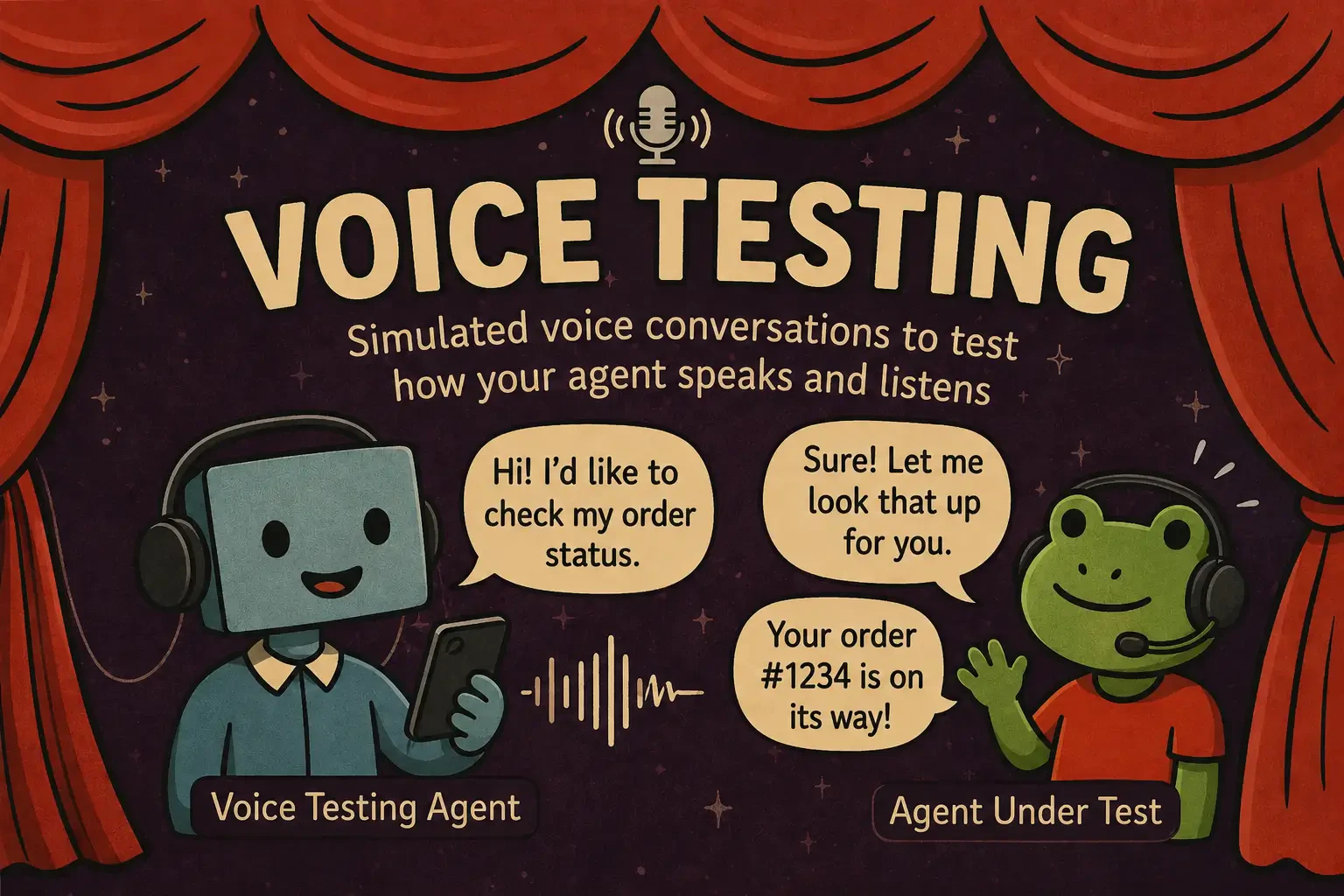
Open Agent Testing, create a scenario the way you would for a text agent, and press Run. In the run dialog, pick your voice agent as the Agent to be tested. See Test from the platform for writing scenarios and the run dialog. A voice run takes one to two minutes per scenario, because every turn is spoken, then transcribed.Read the result
The run shows the same verdict as a text run: each criterion passed or failed, with the judge’s reasoning. The conversation drawer adds the recording of the call, with the transcript per turn. See Results.Test from code
The Scenario SDK runs voice tests from your own test runner, in Python or TypeScript. It has adapters for ElevenLabs, OpenAI Realtime, Gemini Live, Pipecat and Twilio, and can add background noise and interruptions. WithLANGWATCH_API_KEY set, each run appears in Agent Testing with its recording and transcript.
Voice quick start
Install, set up keys and run your first voice scenario.
Choose an adapter
Pick the adapter for your transport.
Voice recipes
Audio effects, interruptions, multi-turn calls and observability.
Troubleshooting
The failures that come up most often in voice scenarios.
Reference
Caller voice
Caller voice
The caller voice is part of the scenario, so every run of it uses the same caller. In the scenario editor, open Customize scenario, then Caller voice.
Score a call you make yourself
Score a call you make yourself
Run a single scenario and, in the run dialog, pick Call it myself to talk to an ElevenLabs agent from your browser. The call is saved as a run of the scenario, and the judge scores it like a simulated call.The browser needs HTTPS or localhost and microphone permission.
Limits and cost
Limits and cost
A call is cut after 5 minutes. The run is marked “Cut at the call limit”, and the judge scores what was said. Each project runs 2 voice calls at a time per worker process, and more voice runs wait in the queue. Self-hosted, change these limits with the voice variables in Environment Variables.Every call uses ElevenLabs conversation minutes, or Twilio minutes for a phone number. A simulated call also uses OpenAI audio tokens.Projects that share one ElevenLabs key share that workspace’s agents and calls, because ElevenLabs checks the key, not the project. Give each project its own key to keep them apart.
Troubleshooting
Troubleshooting