Pick a prompt for an LLM node
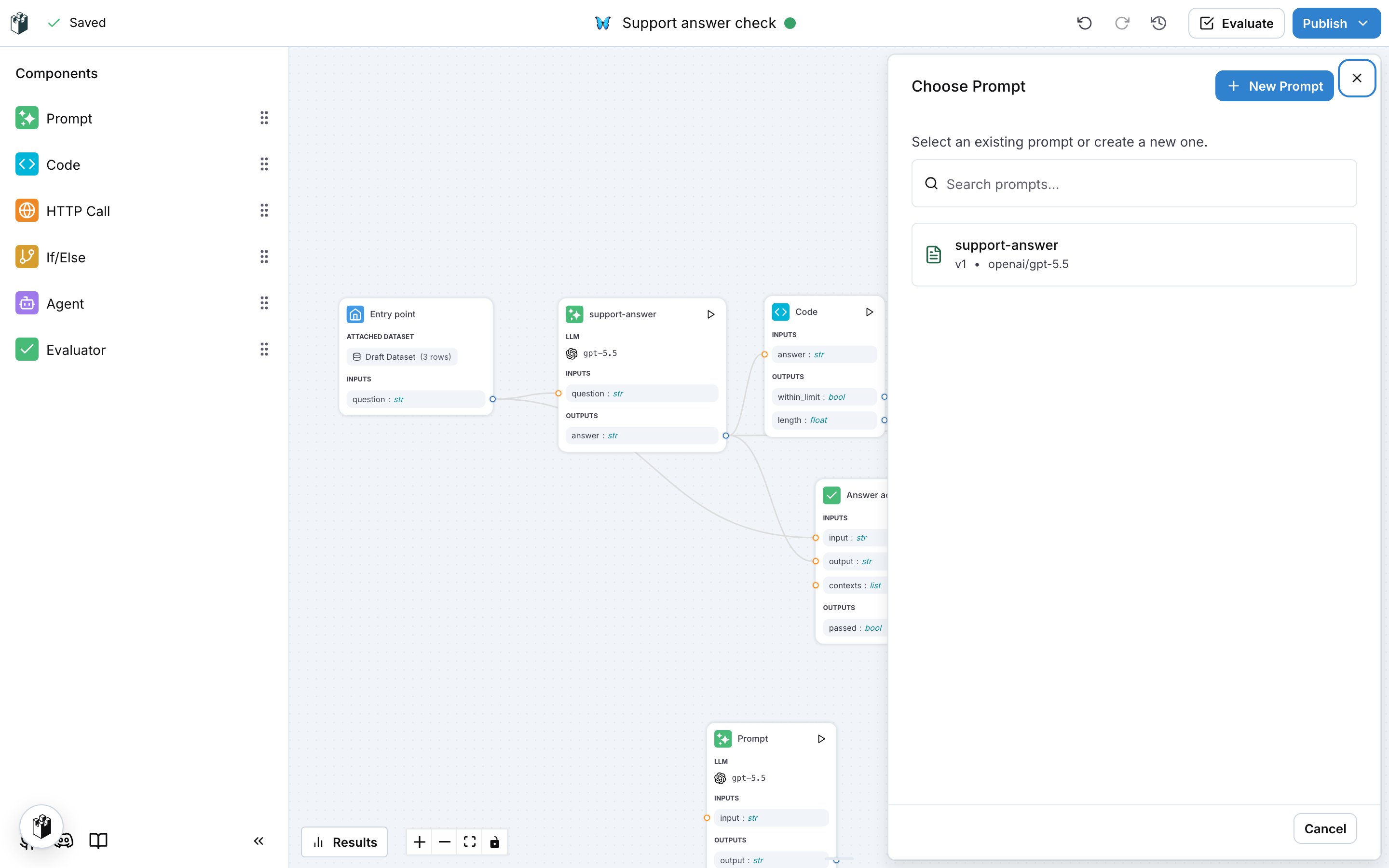
Drag Prompt from the Components panel onto the canvas. The Choose Prompt drawer lists the prompts of the project. Pick one, or click New Prompt to start from an empty prompt. The node on the canvas is named after the prompt.
Click the node to open the prompt in the drawer. It is the same editor as the prompt page: the model, the system prompt, the messages, the variables and the outputs.
Apply or save
The drawer has two ways to keep a change:
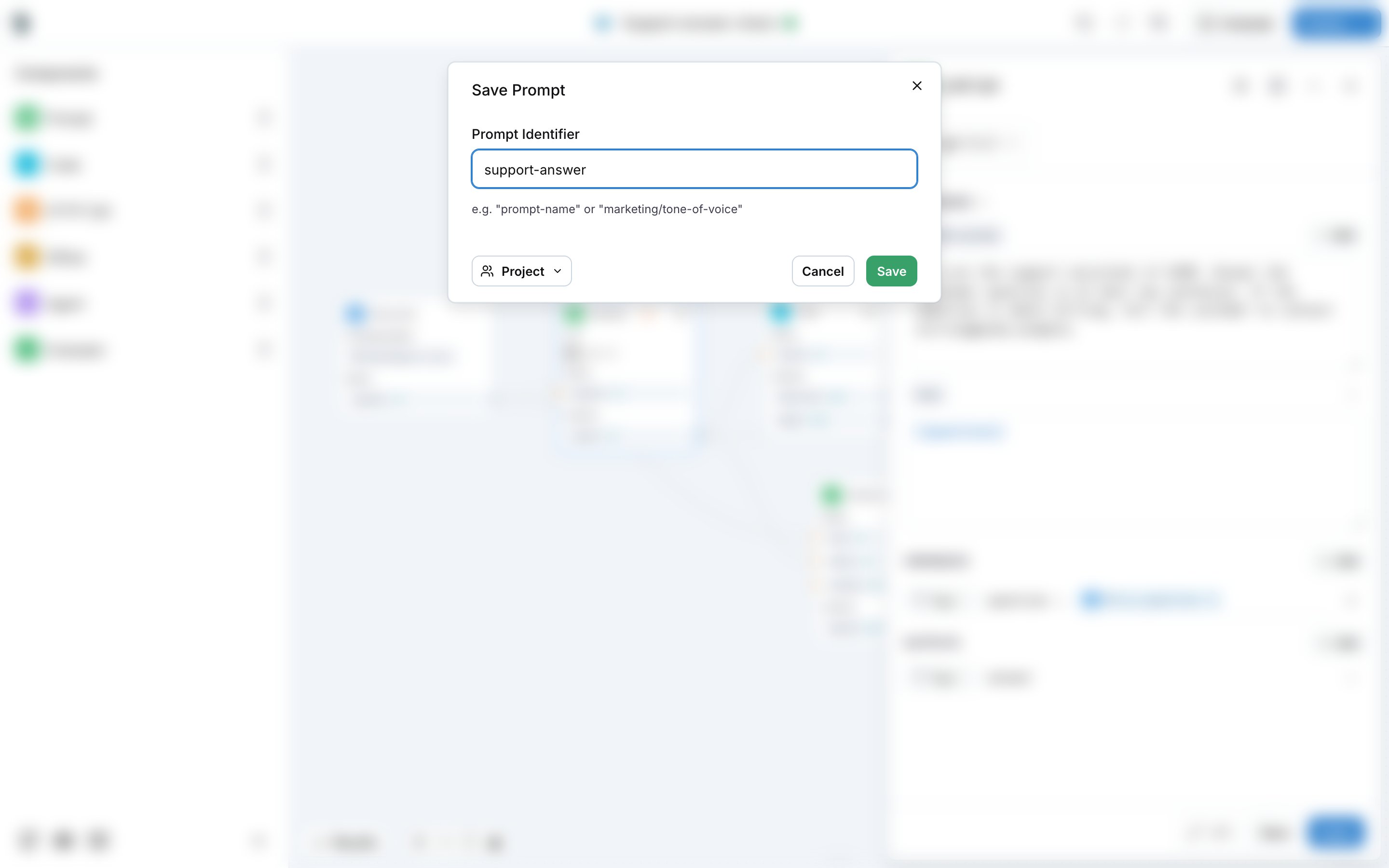
The first Save on a node that started from New Prompt opens Save Prompt, which asks for the prompt identifier, for example support-answer or marketing/tone-of-voice, and the scope of the prompt.
Run the workflow with the prompt
The workflow runs the node with the prompt the drawer shows: the applied changes when there are any, otherwise the saved version. Evaluate the workflow on a dataset to compare prompt versions on the same rows, see Building a workflow.
Also check: Version control for how prompt versions work, and Workflows.Last modified on September 6, 2026