

What a workflow evaluator is
A workflow evaluator is a workflow that LangWatch runs as an evaluator. Its Entry point declares the fields the evaluator receives, and its End node returns the fixed evaluator results:passed, score, label and details. Every place that picks an evaluator lists it next to the built-in ones.
For example, a workflow evaluator can call a retrieval API in an HTTP Call node, compare the answer with the retrieved facts in an LLM node, and return passed with the reasoning in details.
Create one
You can start from the evaluator picker or from the Workflows page. Both paths create the same workflow.- From the evaluator picker: wherever you choose an evaluator (an online evaluation, an experiment, or an Evaluator node in a workflow), pick Custom (from Workflow) in the Choose Evaluator Category drawer. The Create Workflow Evaluator form asks for a name, an icon and a description. It creates the workflow, publishes its first version, saves an evaluator of type workflow linked to it, and opens the editor.
- From the Workflows page: click New Workflow and pick Custom Evaluator. This creates the workflow only. Publish it to make it an evaluator.
question input, one LLM judge node and an End node with the four results. Edit the nodes as on any workflow, see Building a workflow.
The evaluator contract
Every result is optional. Connect only the ones your logic produces; the others stay empty in the evaluation result.
Publish
Click Publish, then Publish Workflow. The dialog saves a version and publishes it. On a workflow created as an evaluator, publishing also registers it as an evaluator of the project. The published version is the one every evaluation runs, so publish again after each change you want live.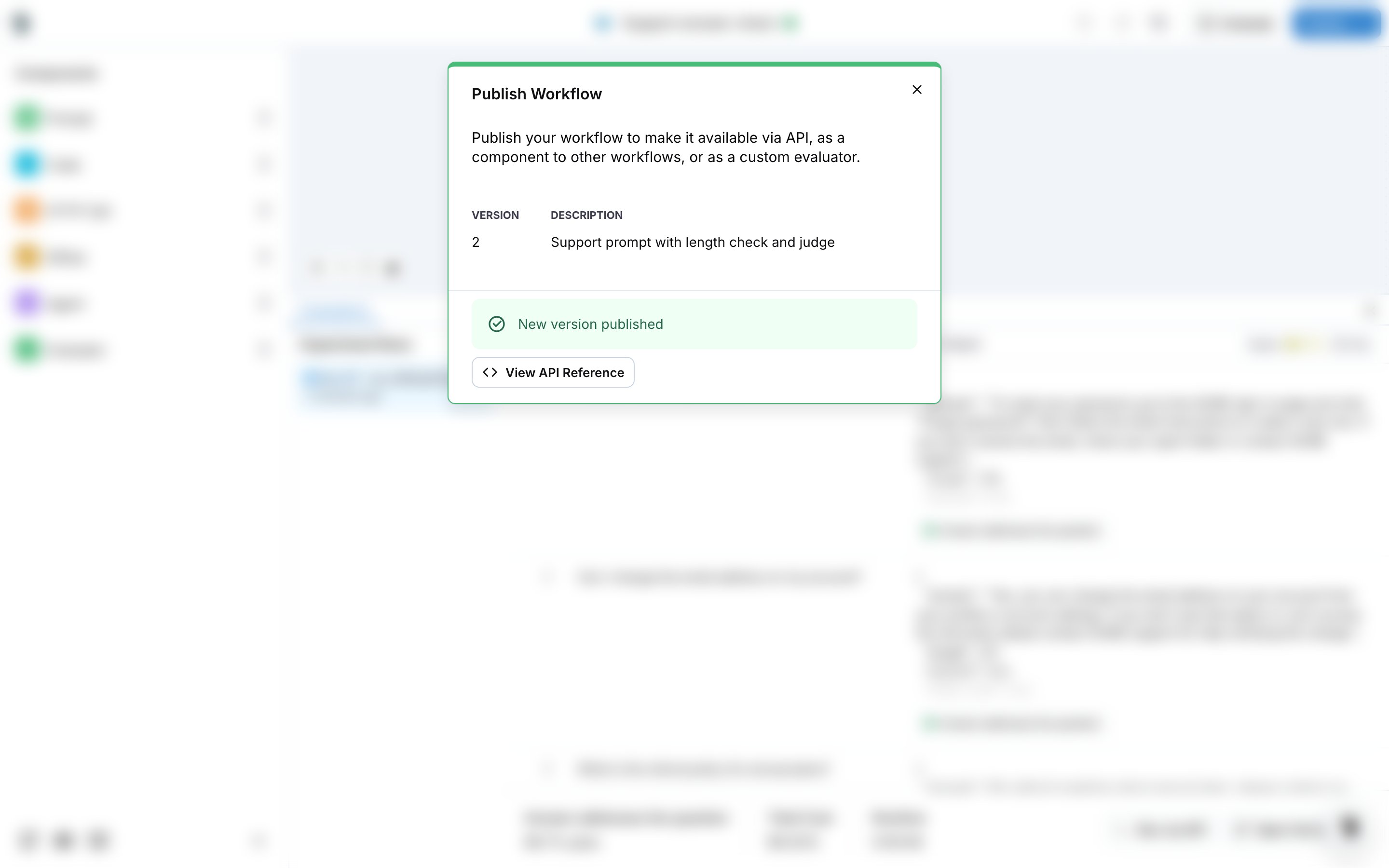
Where it shows up
- Evaluators: an evaluator created from the picker is a saved evaluator of the project, with the type workflow. See Saved evaluators.
- Online evaluations and Experiments: pick it as the evaluator and map its entry inputs to the trace or dataset fields. See Set up an online evaluation.
- Other workflows: drag an Evaluator node and pick it from the evaluator list.