

Add the credential
Open Settings > Model Providers, click Add Model Provider and select OpenAI. Give the row a name, pick the organization, team or project it belongs to, and fill in:
Save the row. Every virtual key whose scope can see the row can now dispatch to it, unless the key restricts its providers. See Virtual keys.
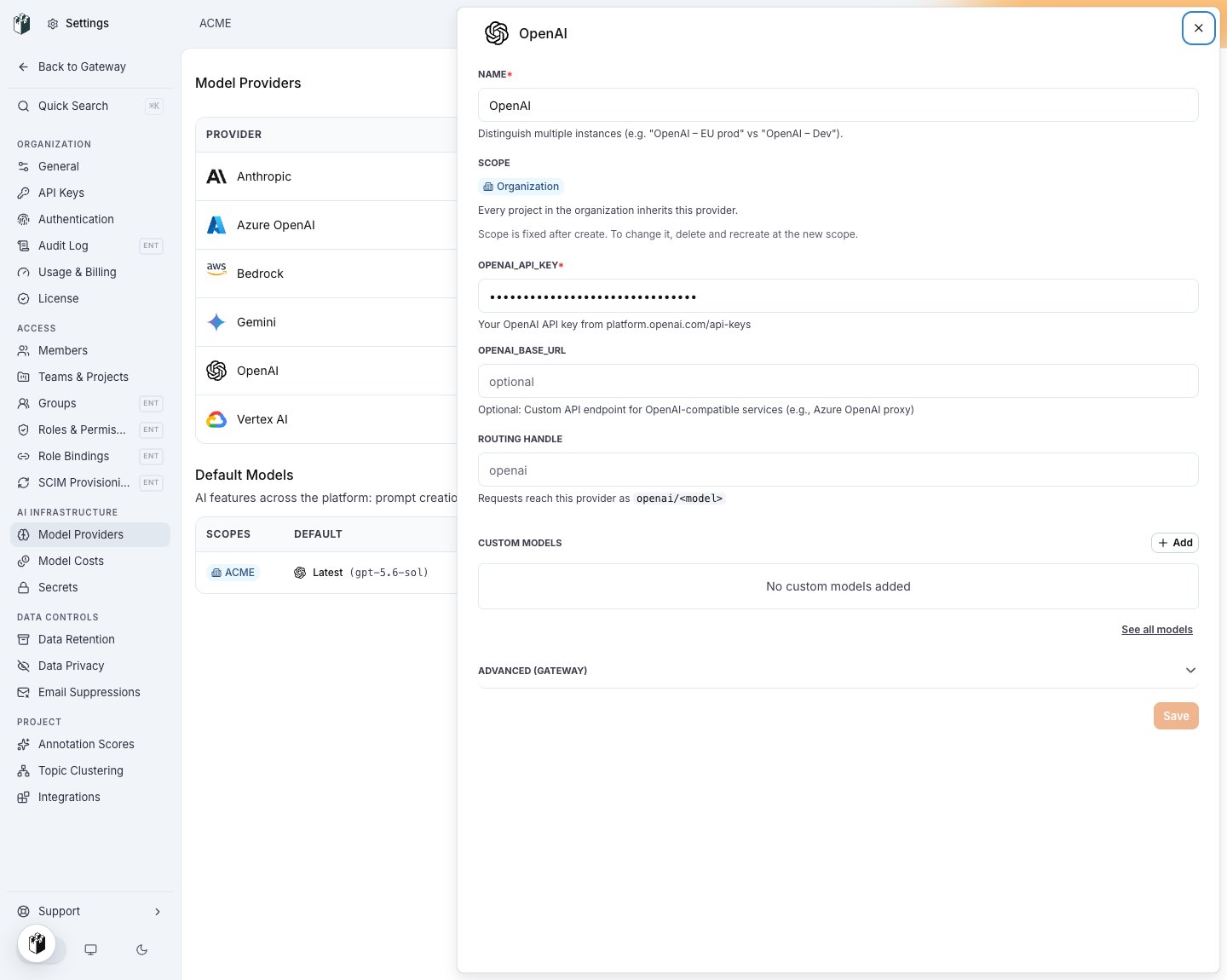
The OpenAI row: name, scope, the two credential fields and the routing handle.
Authorization: Bearer.
Model names
Writeopenai/<model>, for example openai/gpt-6-luna, openai/gpt-6-sol or openai/text-embedding-3-small. A bare gpt-6-luna also resolves to OpenAI when the key reaches an OpenAI row: the gateway infers OpenAI for names that start with gpt-, o1-, o3-, o4-, chatgpt-, text-embedding-, whisper- and tts-.
Send a request
Endpoints
Prompt caching happens on OpenAI’s side. The cached token counts come back in
usage and on the trace. See Cache control.