Single sign-on and SCIM provisioning are Enterprise features. A self-hosted
deployment also needs an Enterprise license. See SSO configuration
for environment variables and provider settings.
Before you start
You needsso:manage to set up or change an identity provider. A person with
sso:view can read the provider and provisioning status. You need
organization:manage to manage members, groups and organization policies.
Your identity provider must support OpenID Connect or direct SAML, or be one of
the providers listed in the self-hosted provider
configuration. You can prepare one provider
for an organization. Keep a separate way back in for administrators before you
turn it on.
Set up the identity provider
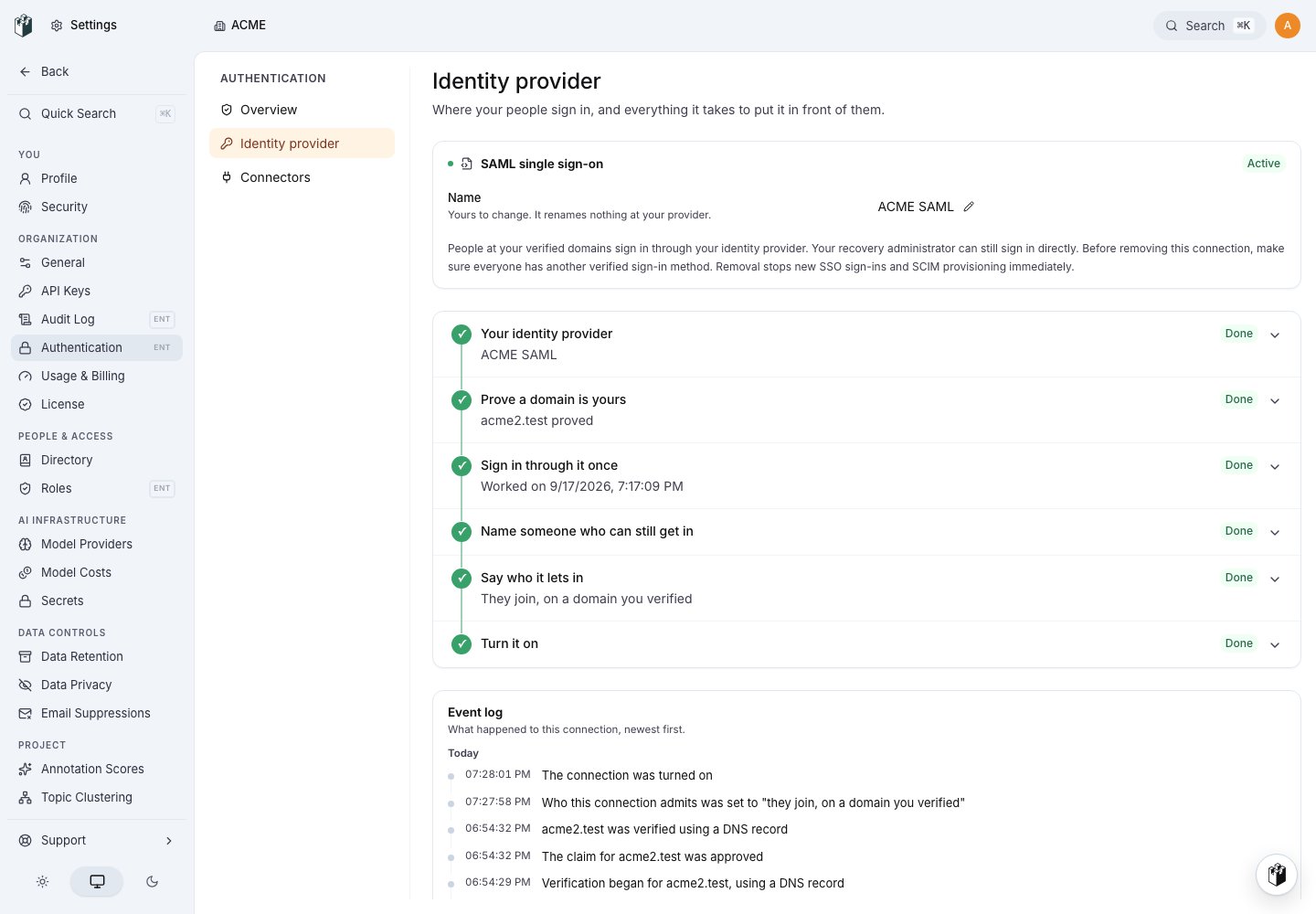
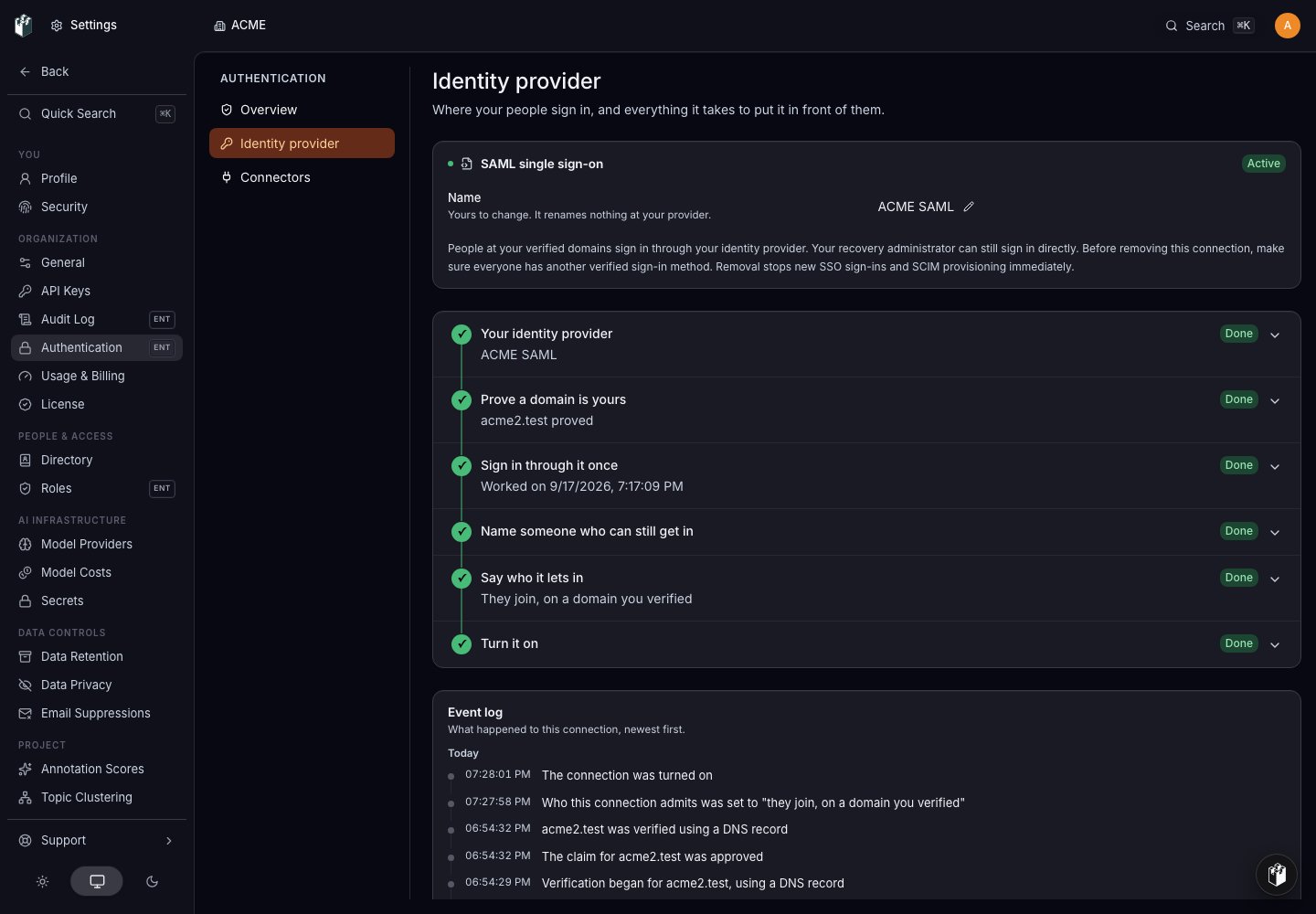
- Open Settings > Authentication > Identity provider.
- Choose your provider and enter its client details. LangWatch creates a connection for this organization.
- In Prove a domain is yours, add each domain that should be allowed to use this connection. Complete the DNS or file check shown by LangWatch.
- In Sign in through it once, complete a test sign-in with the email of the administrator who registered the connection. This verifies the callback and account details before anybody else is routed there. During setup, LangWatch accepts this original registrant as the test account; later sign-ins follow the arrival policy you choose below.
- In Name someone who can still get in, choose an administrator who can use the local sign-in route if the provider is unavailable.
- In Say who it lets in, choose the arrival policy for this connection: refuse unlisted people, ask an administrator to approve them, or admit people who match the verified domains. Select Confirm choice.
- Select Go live when the setup checks are complete.
ADMIN_EMAILS adds a domain this way. Other organization
administrators complete the DNS or file check.
The connection stays in its current setup state when you leave the page. A
connection that is not active does not route sign-ins yet. An active connection
routes people who match its verified domains; the local way back in remains
available to the person you named.
On a self-hosted installation where this is the only active connection, the
sign-in page sends people straight to the identity provider without showing a
LangWatch sign-in form. To reach the local sign-in, open
/auth/signin?local=1.
Disable or remove a connection
Suspending an active connection stops it from routing sign-ins immediately and can be resumed by a LangWatch staff operator. A recovery administrator can still use local sign-in, but cannot resume the connection themselves. Suspension leaves that connection’s SCIM directory writes available. Removing a live connection also stops routing immediately, then schedules final teardown after the grace period shown in the page. The removal is refused while a person would be left without another verified sign-in method. The removal page offers no cancel action while teardown is pending. Arrange and verify alternate sign-in methods before you remove the connection. A suspended connection has already stopped routing, so removing it does not need a routing grace period. Connection removal does not sign out existing browser sessions or deprovision people. While teardown is pending, SCIM requests through that connection are refused immediately even though its token rows remain until final teardown. Teardown then revokes the SCIM tokens issued for that connection; tokens for other connections are unchanged. To end a person’s sessions and organization access through your directory, use SCIMDELETE or PATCH active: false. Those operations revoke the person’s
browser sessions and CLI tokens, remove organization membership and role
bindings, and keep their LangWatch data.
In Directory, Disable is reversible: it refuses the person’s requests,
preserves their role and bindings, and frees their seat. Remove from
organization ends membership and access.
Reactivating through a later directory push does not restore access that was
assigned by hand; the new push must assert membership and mapped access again.
The recovery administrator you named during setup keeps the local sign-in route
while the connection is active. Organization policies, password rate limits
and lockout rules continue to apply to that route. Keep that recovery path
available before suspending or removing the provider.
Provision people with SCIM
Open Settings > Authentication > Connectors. This page shows directory sync status, the people the connectors manage and the provisioning address.- Copy the provisioning address ending in
/api/scim/v2. - Choose Issue token, select the identity provider connection and give the token a description.
- Copy the token when it is shown. LangWatch cannot show it again.
- Paste the address and token into your identity provider’s SCIM settings.
PATCH with active: false deactivates the account, removes its organization
membership and role bindings, and revokes browser sessions and CLI tokens. A
SCIM DELETE has the same access and session effects while keeping the
person’s data.
active: true or a later directory create can restore the
account, but it does not restore access that was assigned by hand; the
directory must assert membership and mapped access again.
See SCIM provisioning for the endpoint contract and
SCIM groups for group membership and role mapping.
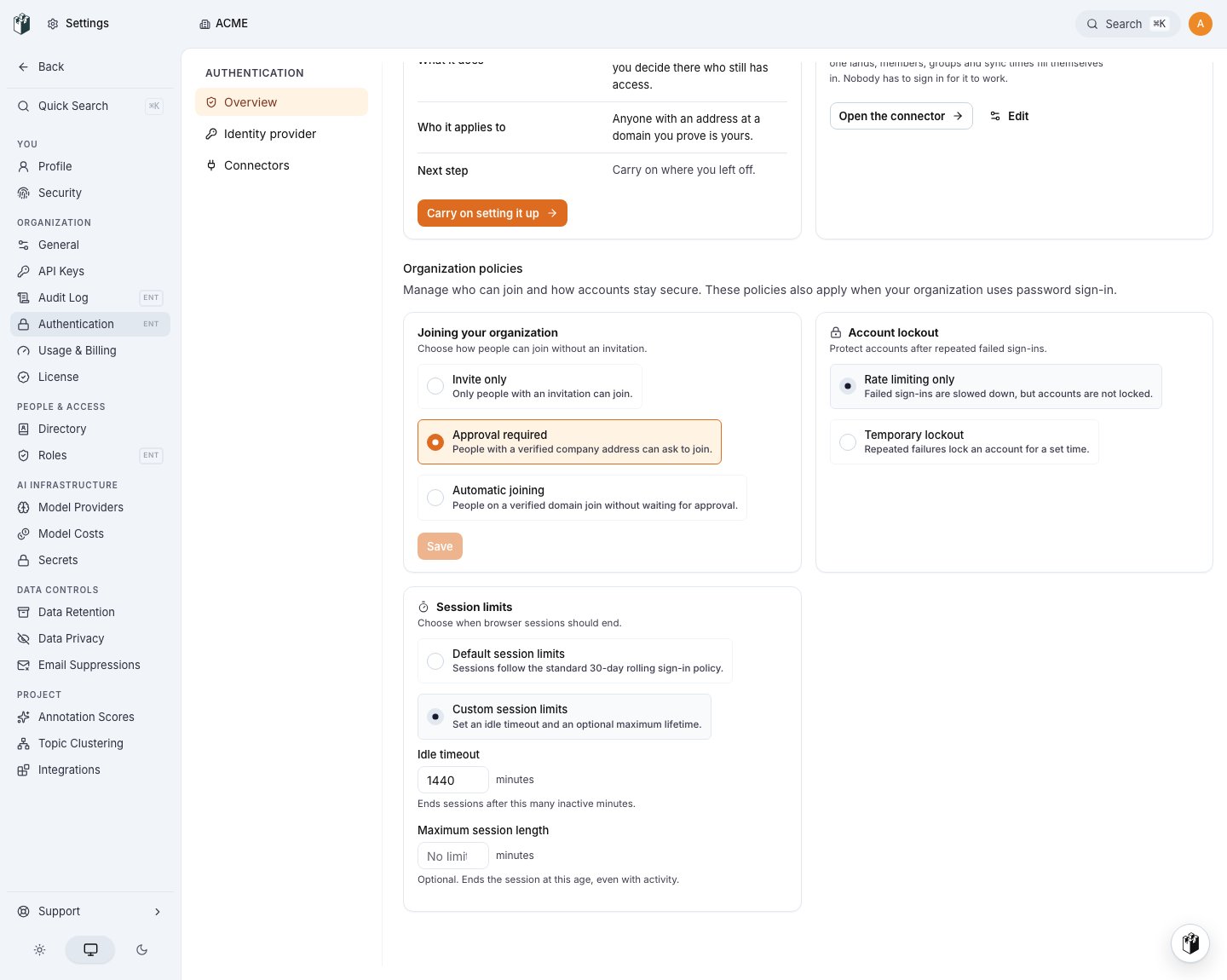
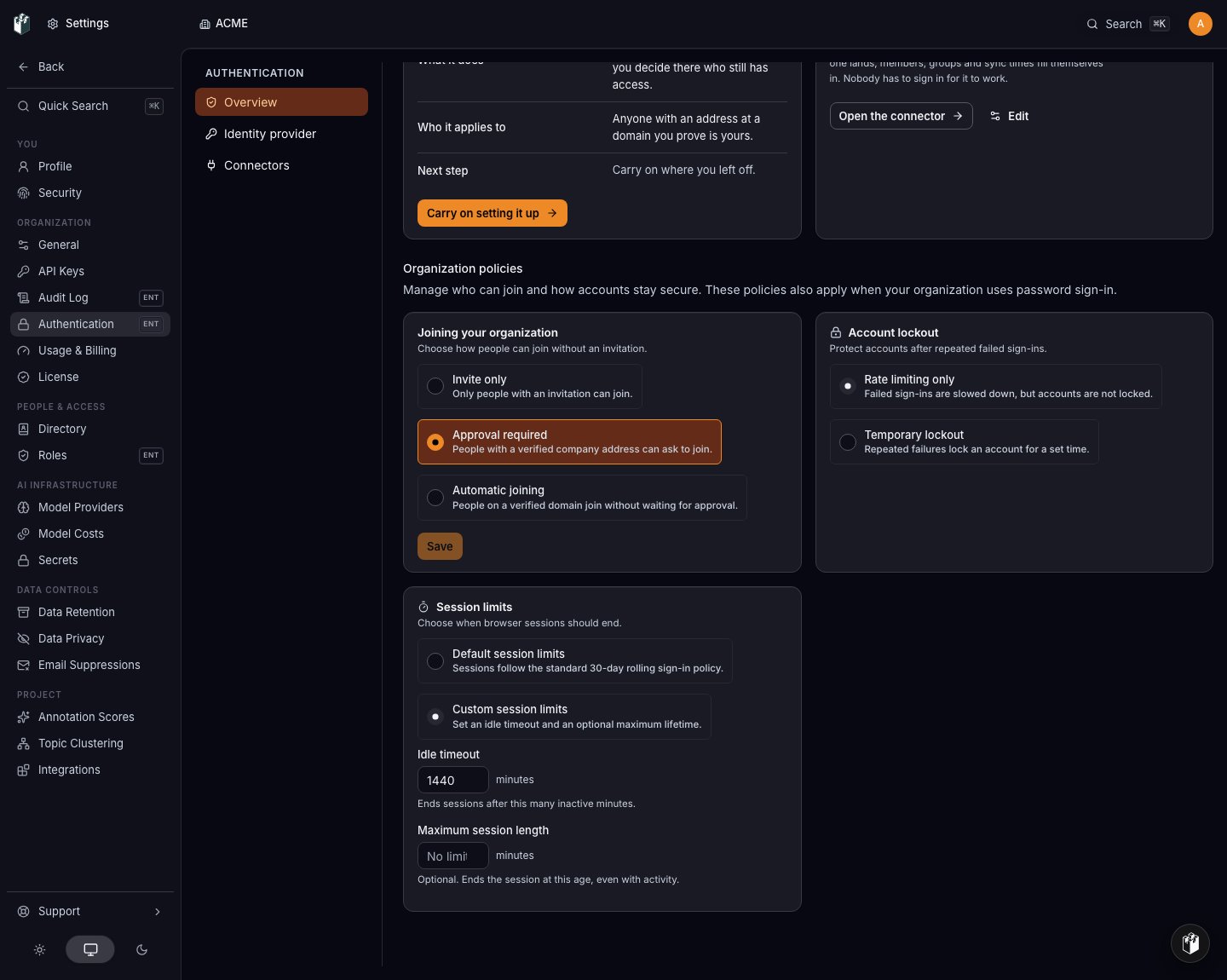
Set organization policies
The Organization policies section on the Authentication overview applies to the organization independently of whether single sign-on is active. These controls govern people who use the local password route as well as the general organization admission rules.