

Available on Enterprise plans. Reading the audit log needs an Enterprise plan, and a
self-hosted deployment needs an Enterprise license. Without one the page shows an upgrade notice
and the API refuses the query. To enable it, contact
enterprise@langwatch.ai.
What is logged
The audit log is at Settings > Audit Log. It keeps one row per action, for the whole organization, and rows are never deleted. LangWatch writes a row for:- Every change made in the settings pages or through the app: creating, updating, archiving or deleting an organization, a team, a project, a member, an invite, a role, a role binding, a group, an API key, a secret, a model provider, a data retention rule or an SSO connection. Both the successful call and the refused one are logged, with the error on the refused one.
- Every LangWatch AI Gateway change: virtual keys, budgets, cache rules and guardrails, including the state before and after the change.
- Every call to the management API on members, invites, SCIM tokens and API keys.
- Support impersonation, with the impersonating operator recorded on the row.
What a row contains
The CSV export adds the user agent, the request arguments, and the before and after state of Gateway rows. Secret values in the arguments are replaced by
[redacted].
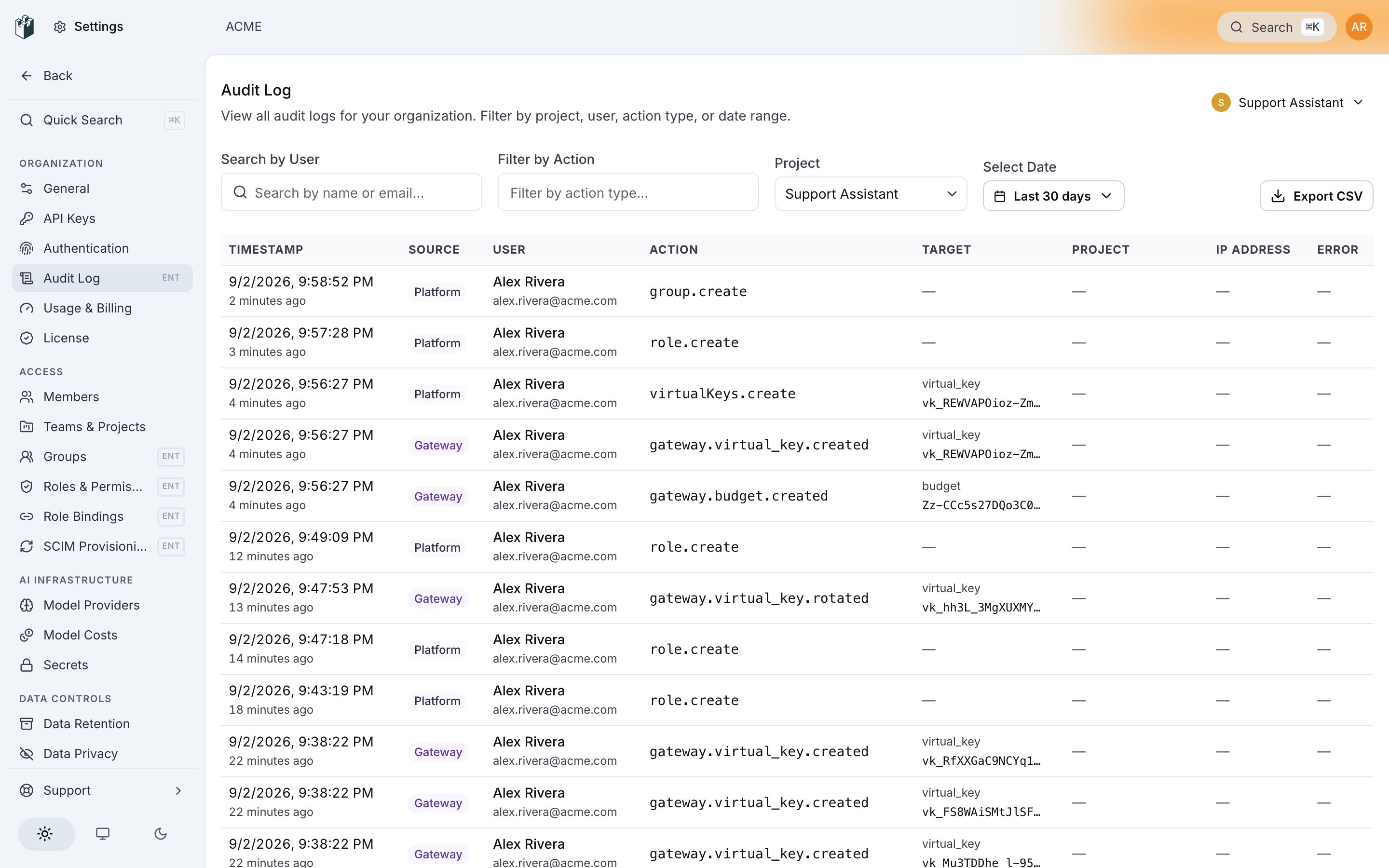
Filters
Every filter is in the page URL, so you can share a filtered view. A virtual key or a budget page links here with its own target already filtered.
Export
Click Export CSV to download every row that matches the current filters asaudit_logs_<date>.csv. JSON columns (arguments, before, after) are cut at 4096 characters per cell, and a cut cell ends with a marker that gives the number of characters removed.
Who can see it
Opening Settings > Audit Log and querying the log both needauditLog:view. The log shows every member’s actions, so by default only administrators hold it; the built-in Viewer and Member roles do not. The query asks for it at the organization, and again at a project when you filter by one. A custom role can grant auditLog:view on its own.
Also check: Access Control (RBAC).