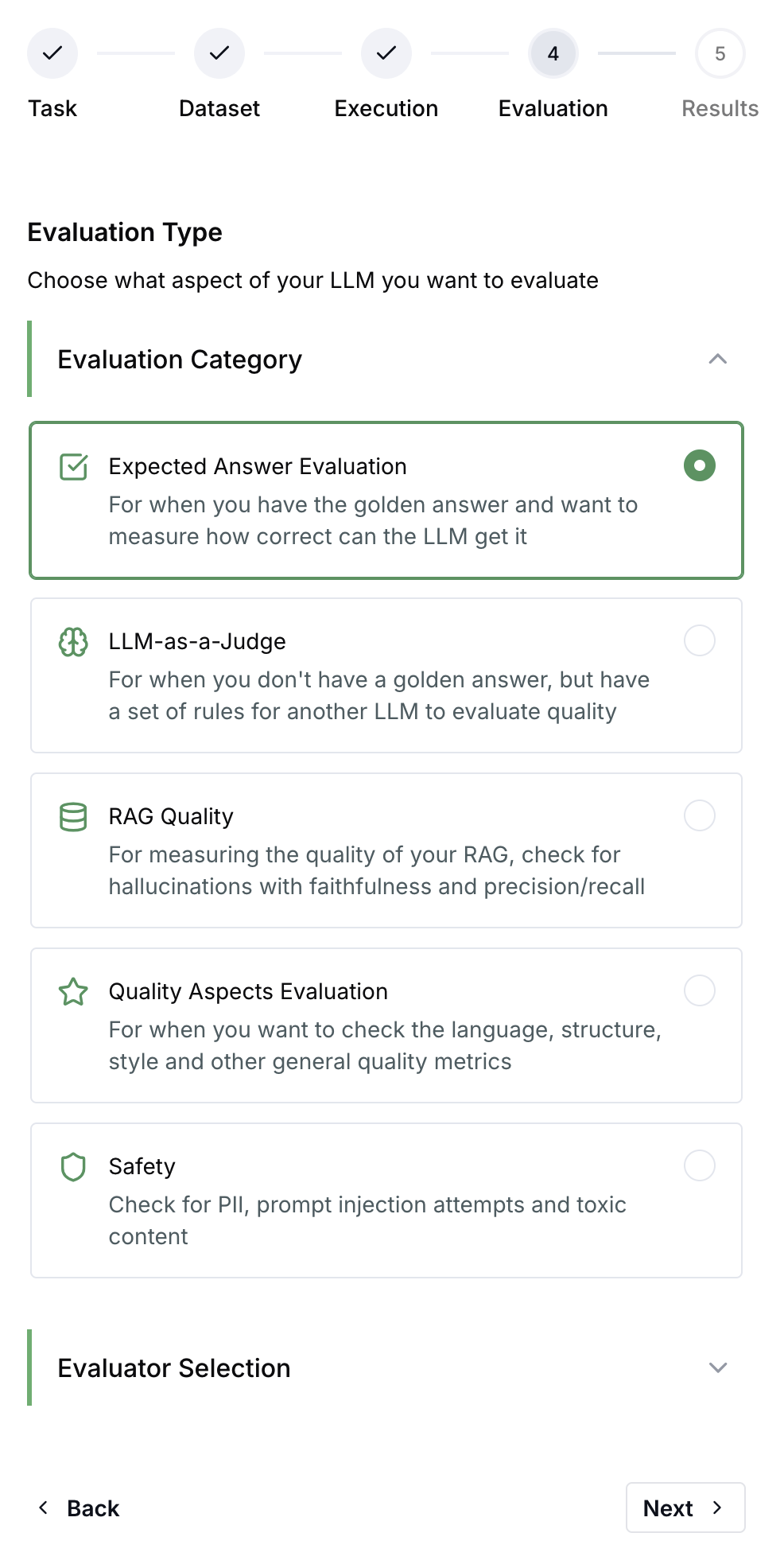
LangWatch offers an extensive library of evaluators to help you evaluate the quality and guarantee the safety of your LLM apps.While here you can find a reference list, to get the execution code you can use the Experiments via UI on LangWatch platform.
To make a call to the Evaluators API, you will need to pass through your LangWatch API key in the header as X-Auth-Token. Your API key can be found on the setup page under settings.
Detects personally identifiable information such as names, emails, phone numbers and credit card numbers, with Presidio. Works as a guardrail.
API Keys & Secrets Detection
Flags leaked credentials in the input or the output: provider and cloud API keys, tokens, private keys and database connection strings. Works as a guardrail.
Important for Analytics: When calling evaluators from code (Real-Time Evaluations), always
provide a descriptive name parameter to distinguish between different evaluation checks in
Analytics.
When running the same evaluator type multiple times for different purposes, you must use unique name values to:
Track results separately in the Analytics dashboard
Filter and group evaluation results by purpose
Avoid confusion when multiple evaluations use the same evaluator type
Example: Running multiple category checksIf you’re using the LLM Category evaluator to check different aspects of your output:
import langwatch# Check 1: Is the answer complete?langwatch.evaluation.evaluate("langevals/llm_category",name="Answer Completeness Check", # Unique name for this checkdata={"input": user_input, "output": response},settings={"categories": [{"name": "complete"}, {"name": "incomplete"}]})# Check 2: Is the tone appropriate?langwatch.evaluation.evaluate("langevals/llm_category",name="Tone Appropriateness Check", # Different name for this checkdata={"input": user_input, "output": response},settings={"categories": [{"name": "professional"}, {"name": "casual"}, {"name": "inappropriate"}]})
import { LangWatch } from "langwatch";const langwatch = new LangWatch();// Check 1: Is the answer complete?await langwatch.evaluations.evaluate("langevals/llm_category", { name: "Answer Completeness Check", // Unique name for this check data: { input: userInput, output: response }, settings: { categories: [{ name: "complete" }, { name: "incomplete" }] }});// Check 2: Is the tone appropriate?await langwatch.evaluations.evaluate("langevals/llm_category", { name: "Tone Appropriateness Check", // Different name for this check data: { input: userInput, output: response }, settings: { categories: [{ name: "professional" }, { name: "casual" }, { name: "inappropriate" }] }});
Without unique names, all results would be grouped under the same auto-generated identifier (e.g., custom_eval_langevalsllm_category), making it impossible to analyze them separately.
POST /api/v1/evaluations/{evaluator_path}/evaluate
Each evaluator accepts specific input parameters and settings. Refer to the individual evaluator documentation pages for detailed request/response schemas and examples.