

Send the audio with the model call
Both examples below calllangwatch.setup(). The OpenAI one runs inside a @langwatch.trace() entry point; the Google ADK one lets the instrumentor make the trace. Read Integration Guide first if you have not set that up yet.
OpenAI
Put the recording in aninput_audio part, as raw base64 with a format.
Google Gemini and Vertex
Put the recording in an inline data part with an audio media type. The rest of the agent setup does not change.The instrumentor makes the trace for this call, so no
@langwatch.trace()
wrapper is needed. If you add one to attach metadata, switch the run to
Runner.run_async: the synchronous Runner.run starts its own thread, which
begins with an empty OpenTelemetry context, and the agent spans open a second
trace. See the Google ADK integration.Audio shapes LangWatch understands
Send any of these and the recording is captured.
An OpenAI Realtime session sends its turns in the same
input_audio shape.
The format field accepts wav, mp3, flac, ogg and webm. A raw format such as pcm16 is accepted too, see the next section.
When a message holds both a recording and text, LangWatch treats the text as the transcript of that recording and shows the two together.
What happens to the bytes
LangWatch moves the recording out of the span at ingestion. The bytes go into content-addressed object storage and the message part becomes a/api/files/<projectId>/<id> reference, around 60 characters where the base64 was.
Storage is addressed by SHA-256, so identical bytes are stored once. For example, a recording captured by a simulation and by the trace of the same call is one stored object, not two.
Raw, header-less audio does not play in a browser on its own. LangWatch wraps pcm16 and G.711 payloads into a WAV container when it stores them, so the reference plays everywhere without a conversion step of your own.
Where the audio appears
Open the trace and the Summary tab shows a player under the input. The Conversation tab shows a player in the message it belongs to, next to the transcript. A turn that recorded no transcript still shows its player. The Trace tab shows the full message payload.Testing voice agents
You see what happened on a call once it has run. To drive a call on purpose and score it, use Scenario: it synthesizes a caller, speaks to your agent over its real transport, and scores the conversation withscenario.run().
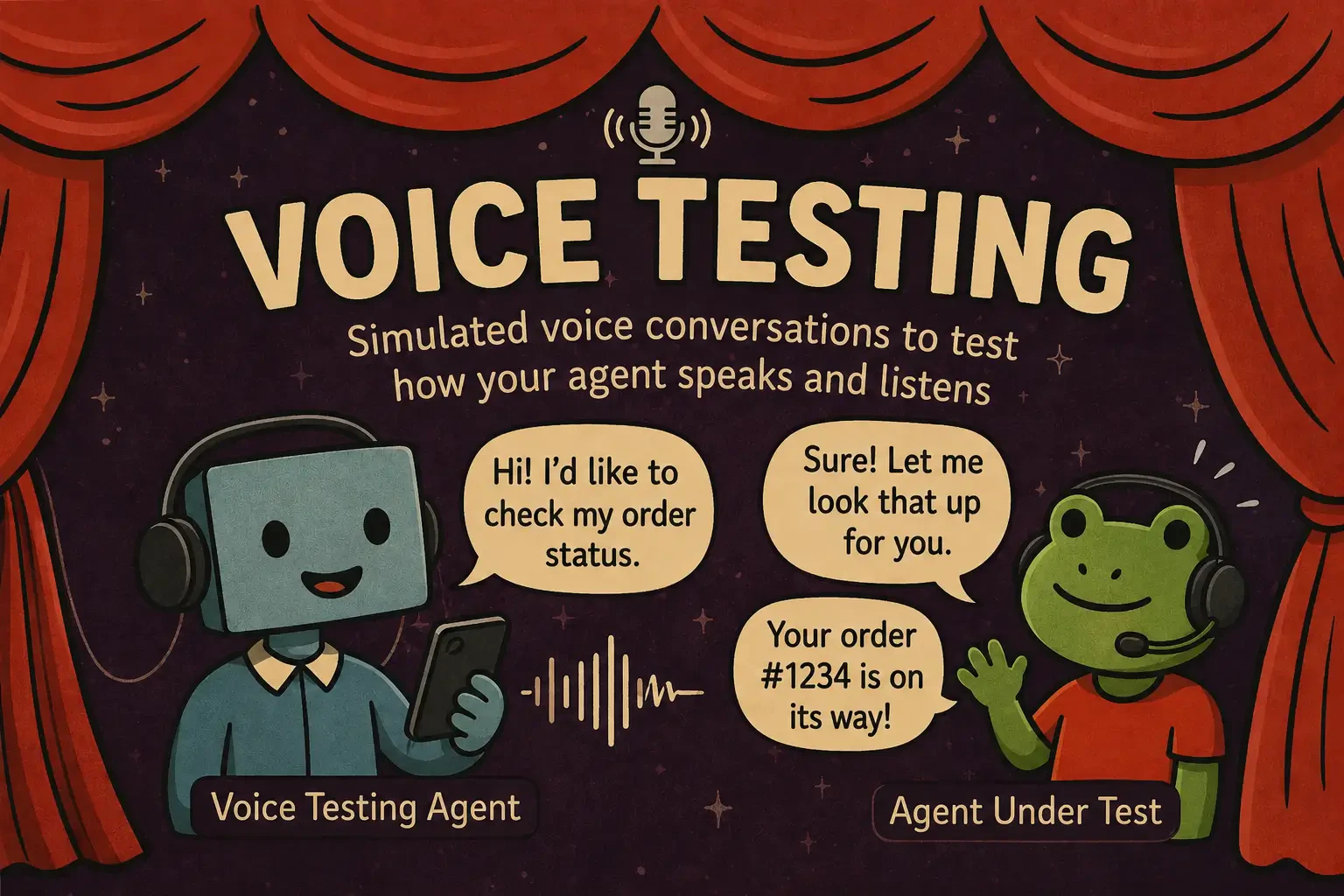
Voice agent testing in Scenario, with the simulated call, its per-turn audio and the judge verdict
Related
- Capturing Images, for pictures and screenshots
- Capturing Documents, for PDF files and other attachments
- Voice Agent Testing, to run and score real-audio calls